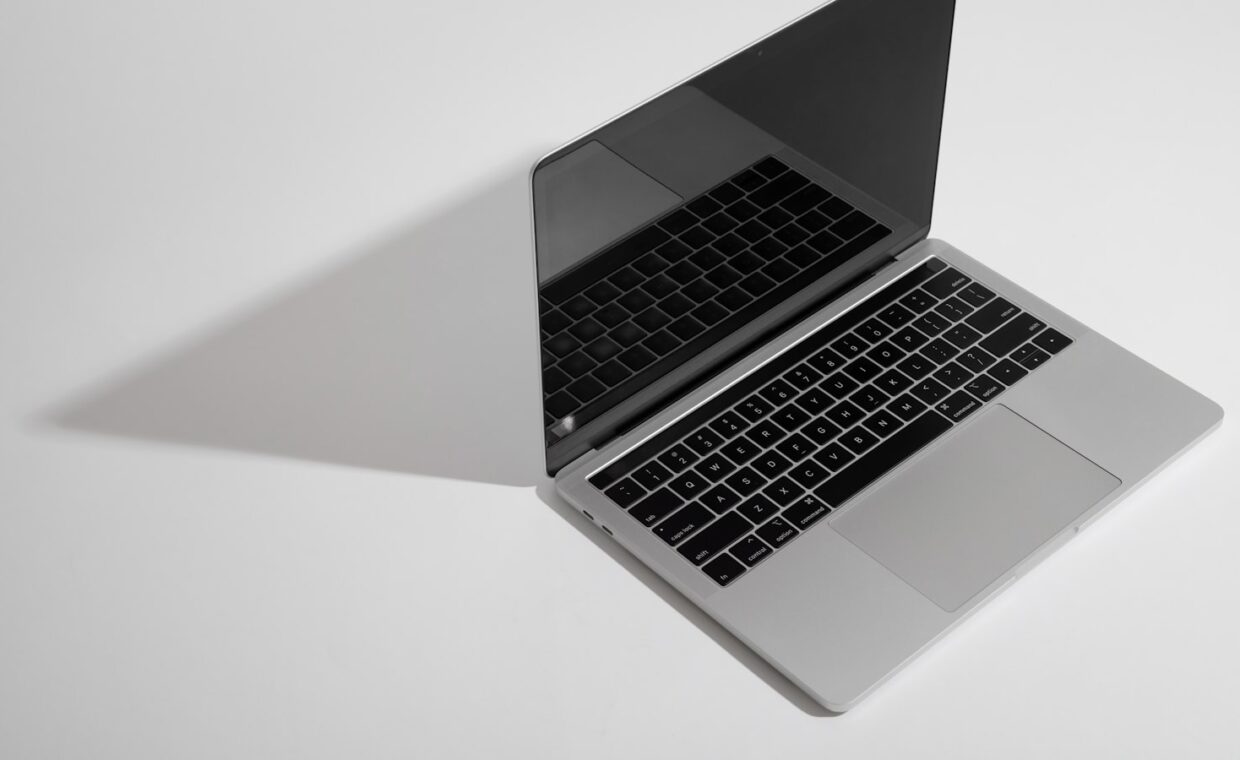
Pick up two laptops of the same size and one feels solid while the other flexes and creaks. The difference is the chassis: what it is made of and how it is built. This is one of the strongest signals of overall quality, and one of the least discussed, because it does not reduce to a number on a specification. Understanding what the materials do lets you judge build quality with your hands.
The common materials and how they differ
Laptop chassis are built mostly from three families of material, each with a distinct character. Aluminium is stiff, feels premium, conducts heat well, and dents rather than cracks under stress. Magnesium alloy is lighter than aluminium for the same stiffness, which is why it appears in machines that are both light and rigid, though it can feel less cold and premium to the touch. Plastic is cheaper and lighter, insulates rather than conducts heat, and flexes more, though a well-engineered plastic chassis can be sturdier than a poorly designed metal one.
None of these is simply best. Aluminium feels the most premium but is heavier and conducts heat to the surface, so the machine can feel warm to the touch. Magnesium is the choice for light-and-rigid but is less pleasant to hold. Plastic is easy to dismiss but is lighter, absorbs knocks without denting, and can be repaired and replaced more cheaply. The right material depends on what the machine is for.
Stiffness and flex, and why they matter
| Material | Stiffness | Weight | Under impact | Heat |
|---|---|---|---|---|
| Aluminium | High | Heavier | Dents | Conducts to surface |
| Magnesium alloy | High for its weight | Lightest | Can crack | Moderate |
| Plastic | Lower, depends on design | Light | Flexes, absorbs | Insulates |
Flex matters beyond feel. A chassis that twists under normal handling puts stress on everything inside it, including the display cable and the connections on the board, which is part of why build quality correlates with longevity. A stiff chassis protects its own internals. The place flex matters most is the area around the hinge and the keyboard deck, which is why a machine that flexes when you pick it up by one corner is telling you something about how it will age, connecting to the failure paths in our guide to what can go wrong inside a machine.
Heat conduction, an underrated factor
Material choice affects temperature in a way few people consider. A metal chassis conducts heat from the internal components to the surface, which can make the machine feel warm to the touch but also helps shed heat. A plastic chassis insulates, so the surface stays cooler while the heat stays inside, which can mean the internal cooling has to work harder. Neither is straightforwardly better, but it explains why a metal laptop can feel warm while running cooler internally than a plastic one that feels cool on the outside. This interacts with the cooling design in ways the primer on keeping a machine cool over its life touches on.
Judging build quality in person
Because build quality does not appear on a spec sheet, it has to be assessed by hand, and a few checks reveal a lot. Pick the machine up by one corner of the base with the lid open: a stiff chassis barely twists, a flexible one flexes visibly. Press firmly on the centre of the keyboard deck and watch for it bending inward. Open and close the lid and feel whether the hinge is smooth and the screen holds its position. Tap the palm rest and listen for hollowness or creak. None of these is in the marketing, and all of them predict how the machine will feel to live with, the recurring theme of the explainer on what a specification leaves out.
A creak on its own is not damning, since some materials and joints simply make more noise, but a machine that creaks, flexes, and feels hollow together is one built down to a price. That is fine if the price is what you are paying for, and worth knowing if it is not. Even the trackpad and its click can reflect build quality, since a well-mounted trackpad on a stiff deck feels precise while one on a flexible deck can feel vague, a subtlety noted in our look at how laptop trackpads behave. And the hands-on judgement that build quality demands is the same instinct that serves well when working with the physical hardware of small computers and projects, where how things are put together matters as much as what they are made of.
Where build quality is worth paying for
Build quality is not equally important on every machine. On a laptop that lives on a desk and rarely moves, a flexible plastic chassis matters little, because it is never stressed by handling. On a machine carried every day, crammed into bags, opened one-handed, and used on laps and trains, a stiff, well-built chassis genuinely extends its life by protecting the components inside from the constant small stresses of travel. The more a machine moves, the more its build quality earns its cost.
This is why the honest way to weigh build quality is against how you will use the machine, not as an absolute virtue. A premium metal chassis on a stationary machine is mostly paying for feel; the same chassis on a heavily travelled laptop is paying for durability where it counts. Deciding how much build quality to buy is really deciding how hard a life the machine will lead, which only you can answer, and which no specification can tell you.
Common questions
Is a metal laptop better than plastic?
Not automatically. Metal feels more premium and is stiffer, but it is heavier and conducts heat to the surface. A well-engineered plastic chassis can be sturdier than a poorly designed metal one, and plastic is lighter, absorbs knocks without denting, and is cheaper to repair. The best material depends on whether you prioritise feel, weight, or durability.
Why does my laptop creak?
Usually because the chassis flexes slightly under pressure and materials or joints move against each other. A little creak is common and not necessarily a problem. A machine that creaks, flexes visibly, and feels hollow together is built down to a price, which matters because a chassis that twists under handling stresses the components inside it over time.
Does chassis material affect cooling?
Yes, indirectly. Metal conducts heat from the internals to the surface, so the machine feels warm but sheds heat, while plastic insulates, keeping the surface cooler but the heat inside, so the cooling works harder. This is why a warm-feeling metal laptop can run cooler internally than a cool-feeling plastic one. Material is one factor in a machine’s overall thermal behaviour.