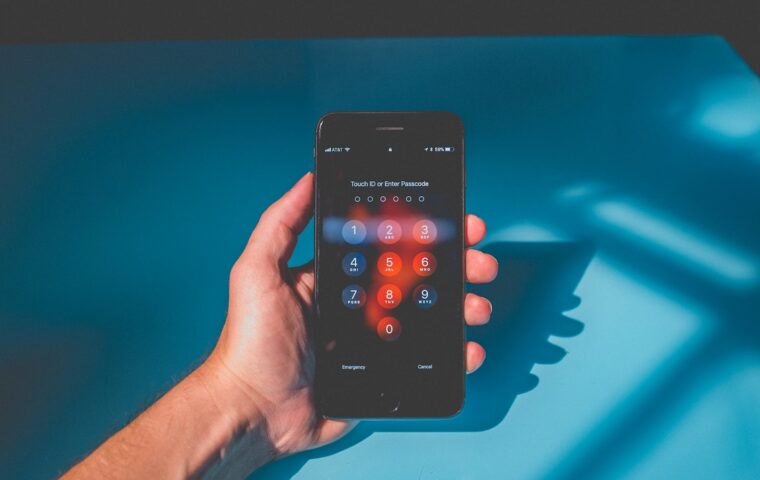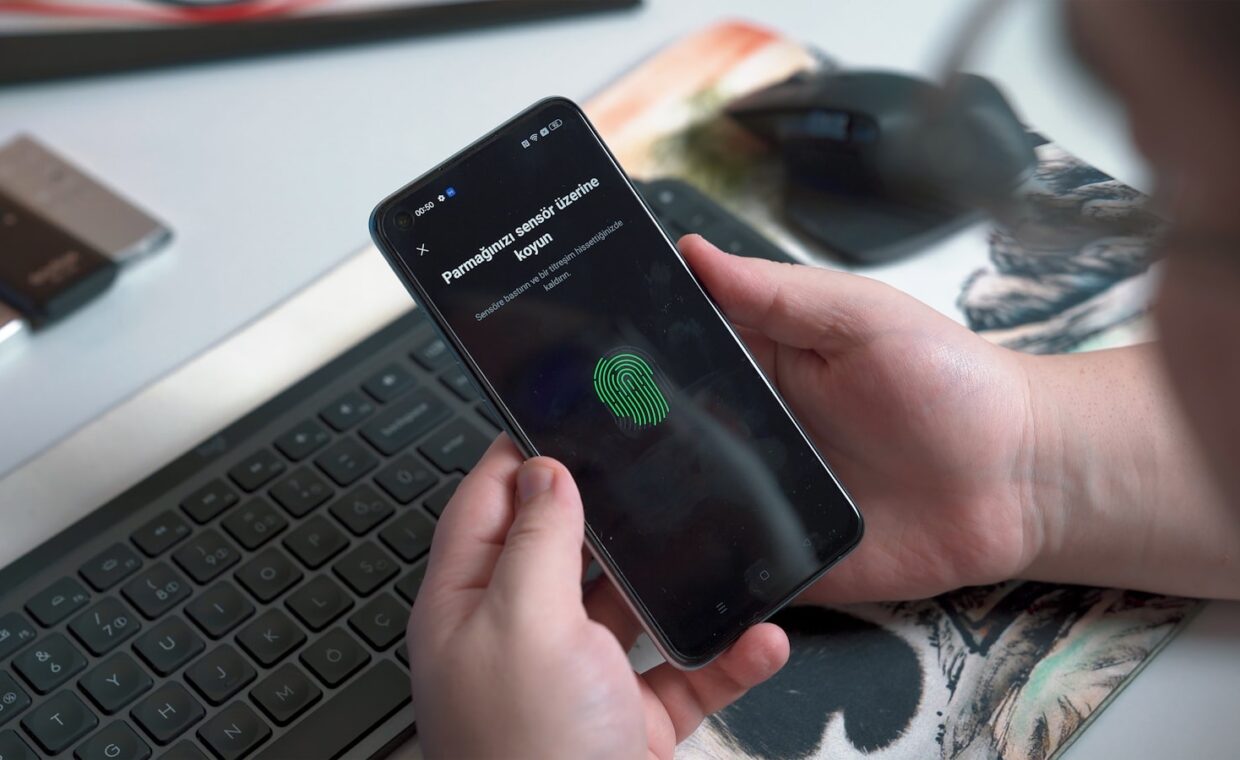
Most phones now let you skip the passcode with a glance or a touch, and the two methods feel almost interchangeable in everyday use. They are not. Face unlock and fingerprint unlock read completely different things, fail in different situations, and offer different resistance to someone trying to get past them. Knowing how each one actually works helps you pick a sensible primary method, understand why your phone keeps a passcode in reserve, and set realistic expectations about what biometrics protect against.
Two ways a phone recognises a face
Face unlock comes in two very different forms, and the gap between them matters more than any other detail here. The cheaper approach uses the ordinary front camera to photograph your face and compare it against a stored image. It is quick and works on almost any handset, but it judges a flat picture of you, which is exactly what a printed photo or a phone screen showing your face also looks like to a plain camera.
The more secure approach adds an infrared projector and an infrared camera. The projector throws thousands of invisible dots across your face and the camera reads how that pattern lands, building a rough depth map of your features. Because it measures shape rather than colour, it can tell a real face from a photograph, and it keeps working in complete darkness because it supplies its own infrared light. This is the method Apple calls Face ID, and a handful of Android phones use similar structured-light or time-of-flight systems.
The three main fingerprint sensors
Fingerprint readers also vary by technology. Capacitive sensors, the type built into a physical home button or a side power key, map the ridges of your finger by measuring tiny differences in electrical charge across a grid. They are fast, mature and hard to trick with a flat image. Optical under-display sensors shine light through the screen and photograph the reflection of your fingerprint, which makes them cheaper to place under glass but slightly easier to fool.
Ultrasonic under-display sensors, found on several premium phones, bounce sound waves off your finger and measure the echo to build a three-dimensional map of the ridges. That extra depth information makes them harder to spoof with a photograph and lets them read damp or lightly dirty fingers that trip up optical readers. The trade-off is cost and occasional fussiness with thick screen protectors that muffle the signal.
| Factor | Camera face unlock | Infrared face unlock | Fingerprint |
|---|---|---|---|
| What it reads | Flat image | Face depth map | Ridge pattern |
| Works in the dark | Poorly | Yes | Yes |
| Fooled by a photo | Often | No | No |
| Works with gloves | Face only | Face only | No |
| Typical security level | Low | High | High |
How hard each is to fool
Spoofing resistance is where the methods separate most clearly. Plain camera face unlock is the weakest, since people have opened phones with a printed photo or a video played on another screen. Infrared depth systems resist this because a photo has no shape, and the better ones also check that your eyes are open, so a sleeping face or a mask is less likely to work.
Fingerprints sit in between. Fooling a modern sensor generally requires a physical mould made from a clean, complete print, an effort well beyond a casual thief. Ultrasonic and capacitive readers raise that bar further by demanding depth or conductivity a flat forgery cannot supply. For most people the practical risk is not a laboratory-grade fake but someone watching them type the fallback code, which is why keeping that number private still matters, and why staying current on patches, the point our guide to the years a phone keeps receiving security updates examines, protects the whole system.
Where each method fails
Every biometric has conditions it simply cannot handle, and planning around them saves daily frustration. Plain camera face unlock struggles in dim rooms because it needs visible light to see you, though some phones briefly brighten the display to compensate. Infrared face unlock ignores darkness entirely but can be defeated by anything that hides your features, a scarf pulled up in winter, a mask, or heavy glare on your glasses.
Fingerprint sensors fail in their own ways. Wet, cold, cracked or heavily calloused fingers read poorly, and gloves stop capacitive and most optical readers completely, since no ridge detail reaches the sensor. That seasonal weakness is one reason many people register both a fingerprint and a face, letting the phone try whichever suits the moment. Anyone who finds both awkward should look at the alternatives in their settings, some of which the roundup of accessibility features worth knowing lays out for hands and eyes the standard prompts assume too much about.
Why the passcode never goes away
No phone lets you rely on biometrics alone, and the reason is deliberate. Your fingerprint and face data are stored as encrypted mathematical templates in a protected part of the chip, never as images you could lose, but that store is itself opened by a passcode you set. After a restart, a software update, several failed reads, or a long stretch without use, the phone demands the code again before biometrics will work.
A passcode is something you know and can decline to reveal, while a face or finger can be applied to a phone without your cooperation. Biometrics are best understood as a fast convenience layered on top of a passcode, not a replacement for it. An older device with a slow or worn sensor leans on that fallback more often, one of the small annoyances that tidying up an aging handset, covered in the walkthrough on reviving an older phone, can noticeably ease.
Choosing your primary method
The right choice depends on your surroundings more than on which technology sounds most advanced. If you spend winters in gloves or work with your hands, face unlock will frustrate you less. If you often keep the phone flat on a desk or wear a mask through the day, a fingerprint reader is quicker to reach. Many people settle on registering both, accepting that convenience, not maximum security, is the real point of biometrics.
Treat the security ratings honestly. Infrared face unlock and quality fingerprint sensors are strong enough for everyday protection of banking apps and messages, while plain camera face unlock is better seen as a mild deterrent than a genuine lock. Biometric hardware is only one line on a spec sheet, as easy to skim past as the list of the cellular bands a phone supports, yet it shapes how the device feels a dozen times a day, so it deserves a moment of real thought before you buy.
Common questions, answered
Is face unlock or fingerprint safer?
It depends on the type. Infrared face unlock, such as Face ID, and ultrasonic or capacitive fingerprint sensors offer broadly similar, strong protection for daily use. Plain camera face unlock is noticeably weaker, since a printed photo can sometimes open it. If your phone only offers camera-based face recognition, a fingerprint is usually the safer primary choice for anything sensitive like payments.
Does face unlock work in the dark?
Infrared face unlock works in complete darkness because it lights your face with its own invisible projector rather than relying on room light. Plain camera face unlock does not, since it needs visible light to see you, although some phones briefly brighten the display to act as a flash. If yours fails at night, it is almost certainly the camera-only type.
Can biometrics be fooled?
Yes, but the effort required varies enormously. Plain camera face unlock has been opened with photographs, while infrared systems and modern fingerprint sensors demand elaborate physical fakes that are impractical for a casual thief. The realistic weak point is not a forged finger but someone learning your fallback passcode by watching you type it, so shield that number in public.