Copy a large video folder onto a new NVMe drive and watch the transfer rate: it often starts fast, then sags partway through. Some of that slowdown is heat. The small controller chip inside a high-speed SSD produces a surprising amount of it, and once the drive grows too warm its firmware deliberately steps down performance to protect itself. A heatsink, together with some moving air, changes how long the drive can hold its rated speed. The sections below explain where the heat comes from, what throttling does, and when fitting a heatsink genuinely earns its place.
Where the heat comes from
The hot part of a modern SSD is rarely the flash memory. It is the controller, the processor that maps files to physical cells, runs error correction, and juggles several NAND channels at once. Push a PCIe 4.0 or 5.0 drive near its rated speed and that controller works hard, drawing a few watts and shedding them from a chip the size of a fingernail. Concentrated power in a tiny package means a fast temperature rise. The flash itself often prefers a little warmth to write efficiently, which is why cooling focuses on the controller rather than the memory.
What thermal throttling does
Every drive carries a temperature sensor and a firmware rule that watches it. Once the reading crosses a set point, commonly around 75 to 80 degrees Celsius, the firmware slows the drive on purpose. A lower work rate means lower power draw and less heat, keeping the controller in a safe band. Push further and a second, higher limit can force the drive to pause almost entirely to avoid damage.
Bursty tasks rarely reach that point, since loading a game level finishes before the temperature climbs far. Sustained sequential writes are the trigger. Worth separating from heat is cache exhaustion: many drives write quickly into a fast region, then slow once it fills, regardless of temperature. A heatsink helps only with the thermal half of that story, a distinction that matters when you measure the sustained figure rather than the peak, the point our rundown on reading a drive’s real speed covers.
| Drive temperature | Firmware response | Effect on sustained speed |
|---|---|---|
| Below 70 degrees | No intervention | Full rated write speed |
| 75 to 80 degrees | First throttle step | Speed cut sharply to shed heat |
| Above 85 degrees | Aggressive throttle | Near pause until it cools |
A transfer measured with and without cooling
Consider a PCIe 4.0 drive rated near 5,000 MB/s for writes, copying a 120 GB project. Bare, sitting behind a warm graphics card with little airflow, it might start at 45 degrees and run the first 40 GB at full speed in about eight seconds. By then the controller passes its throttle point, so the remaining 80 GB crawls near 1,300 MB/s, taking roughly 60 seconds, a total close to 68 seconds. Fit a simple heatsink in the same case with one fan moving air across it, and the drive levels off near 62 degrees without throttling, finishing the whole 120 GB at about 4,400 MB/s in around 27 seconds. Same drive, same data, less than half the time, purely because the controller never had to protect itself.
Heatsinks and airflow
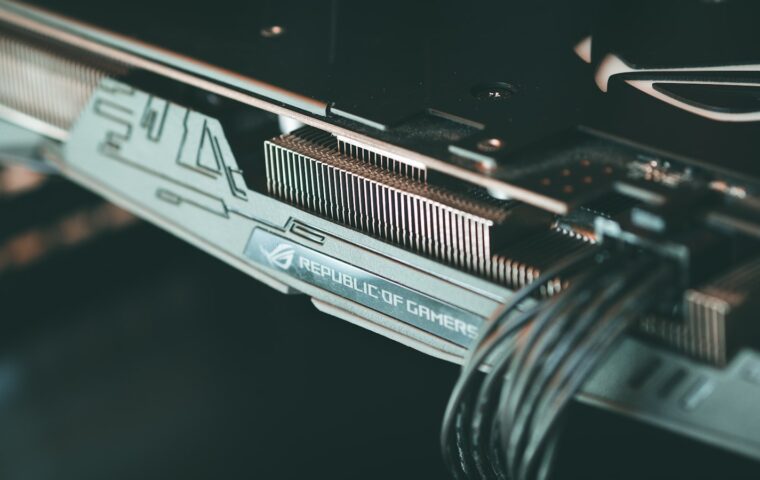
A heatsink is a block of metal that touches the controller through a soft thermal pad, giving the heat somewhere to spread and turning a tiny hot chip into a larger, cooler mass. On its own, though, metal only buys time. For a short burst it soaks up heat and delays the rise, but during a long write it eventually saturates unless something carries the heat away.
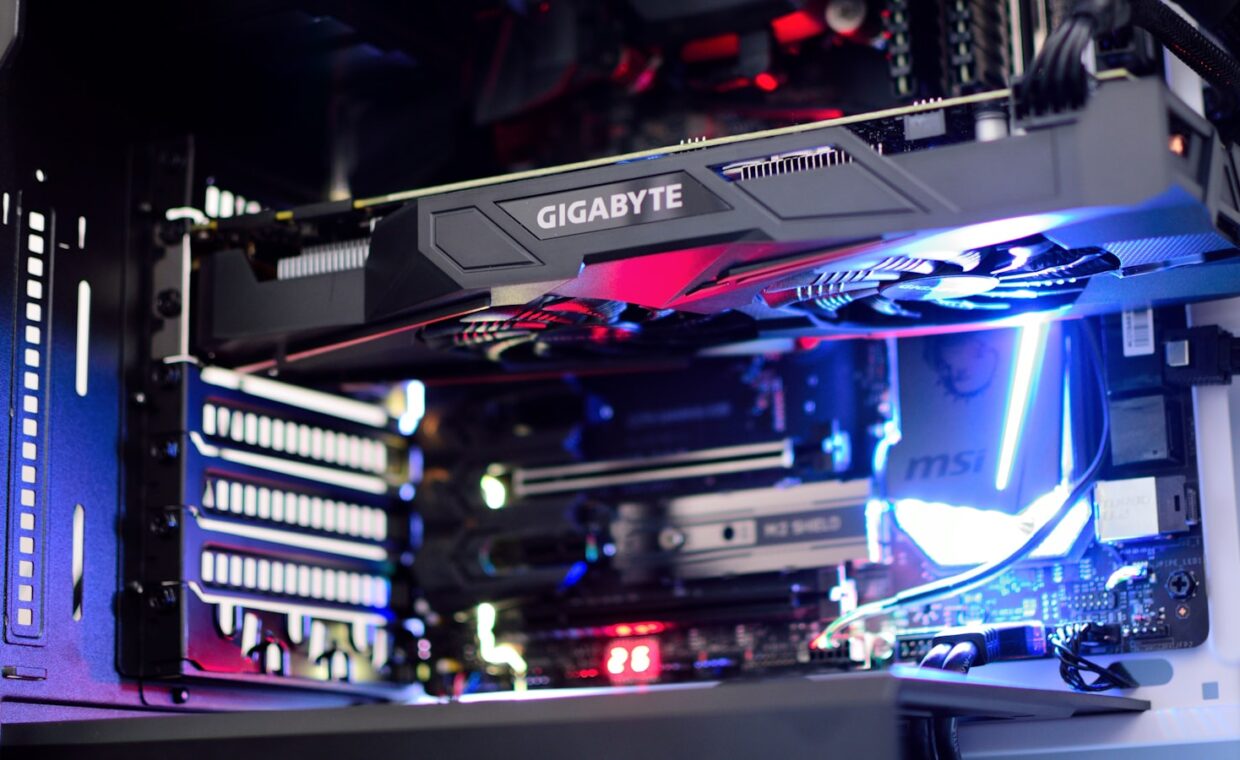
Moving air does that carrying. A gentle breeze from a case fan across the fins removes far more heat than still air will, which is why a modest heatsink in a ventilated case often beats a chunky one in a sealed box. Position matters too: a drive tucked beneath a hot graphics card breathes warm air, and an external enclosure is the hardest case of all, trapping heat around the drive and its bridge chip with no fan to help, so a system run from a portable unit can throttle under load, a factor worth weighing alongside the steps in the guide on booting a machine from an external SSD.
When a heatsink actually helps
Match the cooling to the drive and the job. Older PCIe 3.0 drives run cool enough that bare operation is fine. Many Gen4 and most Gen5 drives run hot enough that sustained writes throttle without help. Gaming, browsing, and office files are bursty, so throttling rarely appears, while video editing, large backups, and virtual machines are sustained, so cooling pays off directly. For data you write once and almost never touch again, throttling barely matters, a calculation closer to the archival trade-offs the walkthrough on whether optical discs still make sense weighs.
Space complicates things further. Laptops seldom have room for a thick heatsink and lean on the chassis to spread heat, so they throttle more readily than desktops with the same drive. A slim pad against the metal frame is often the only cooling on offer, which is why portable machines tend to back off during long transfers where a desktop would hold firm.
Monitoring drive temperature
You do not have to guess. Drives report their temperature through SMART data, readable with free tools such as CrystalDiskInfo on Windows or smartctl on Linux, and through most makers’ own utilities. Idle numbers tell you little; the useful test is to start a long file copy and watch the temperature while it runs. If it climbs toward the throttle point and speed drops as it does, heat is your limit. If it settles well below and speed holds, the drive is already cool enough and a heatsink would change nothing. Sustained high temperatures also affect longevity, part of the wear behaviour the article on how SSDs wear out explains.
What this means in practice
A heatsink is neither a gimmick nor a universal fix. It addresses one specific problem, a controller that overheats during sustained work, and it does nothing for the separate slowdown caused by a full write cache. Deciding whether you need one comes down to your drive’s generation, the work you give it, and whether air actually moves past the slot.
The practical path is to measure before spending. Run a real workload, watch temperature and speed together, and add cooling only if the numbers show throttling. Many desktop users with bursty habits find their drive never nears its limit, while anyone moving large files all day will see a heatsink and a little airflow repay itself every time the drive holds its speed instead of backing off.
Common questions, answered
Do NVMe SSDs need a heatsink?
It depends on the drive and the task. PCIe 3.0 models usually run cool without one. Many Gen4 and most Gen5 drives throttle during long sustained writes unless cooled, yet stay fine for bursty everyday use such as gaming or browsing. Laptops rarely fit a heatsink and lean on the chassis instead. Test your own drive under a real load before deciding either way.
Why does my SSD slow down when hot?
Its firmware is protecting the controller. Once the temperature crosses a set point, the drive lowers its work rate so power draw and heat fall back into a safe range. A separate cause can look identical: many drives write fast into a small cache, then slow once it fills, whatever the temperature. Watching the sensor during a copy tells the two causes apart.
How hot is too hot for an SSD?
Most drives begin throttling around 75 to 80 degrees Celsius and hold a higher critical limit, often near 90, where they pause or shut down. Flash memory tolerates warmth better than the controller does, so the throttle point is the practical ceiling. Keeping a drive below roughly 70 degrees under load leaves comfortable margin and avoids losing speed to protection.