The cable that reaches your house does more to shape your connection than the router sitting on the shelf. Three technologies deliver most home broadband: fibre, cable and DSL, and each one carries data in a physically different way. That difference explains why two plans advertising the same download figure can feel nothing alike, why your upload is often a small fraction of your download, and why some connections stay steady while others sag in the evening. By the end you will understand what each line can and cannot do, and which of those limits you are actually able to influence.
How each connection carries data
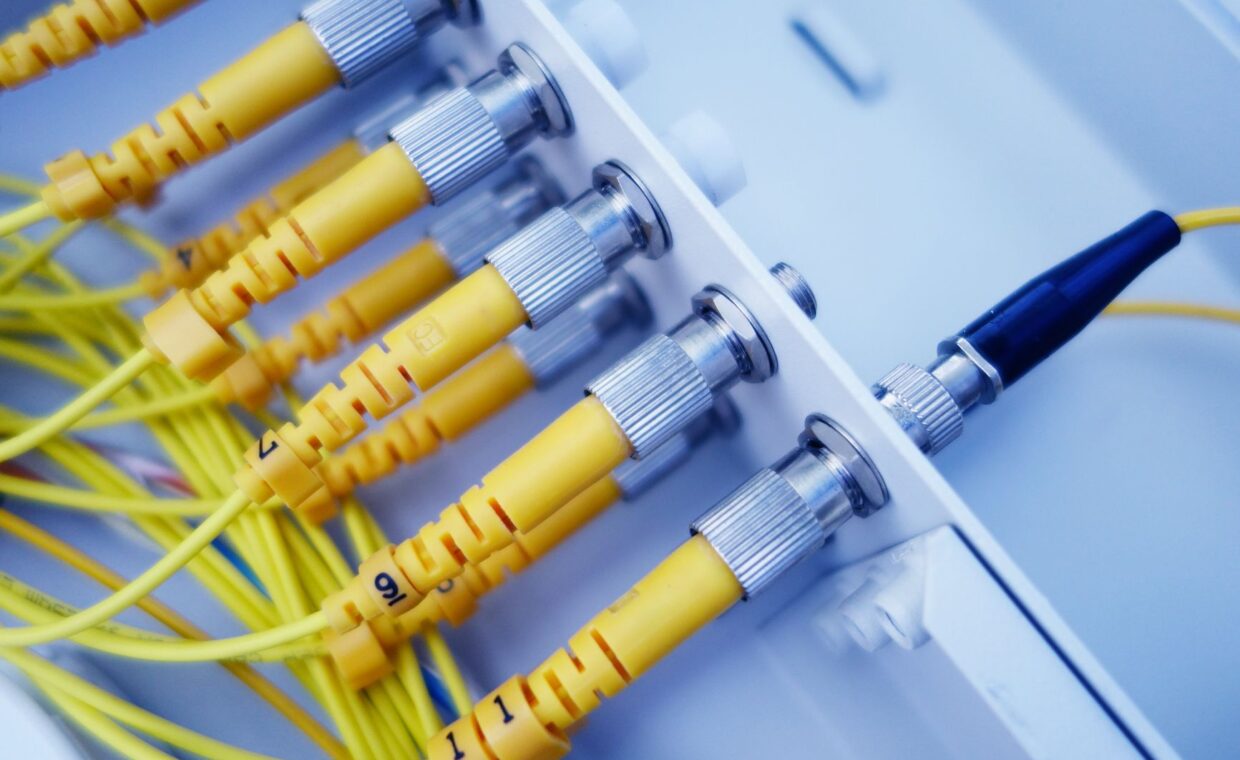
Fibre sends pulses of light down strands of glass. Light travels with very little loss, so a fibre line can run for kilometres without the signal weakening, and the glass carries an enormous amount of bandwidth. Cable broadband reuses the coaxial network built for television, sending data as radio frequencies over copper and sharing that cable among many homes on the same street segment. DSL runs over the twisted-pair copper of the old telephone network, which was never designed for high frequencies, so its capacity falls sharply the further you sit from the exchange or the street cabinet.
These materials set the ceiling before any equipment is involved. Glass has headroom to spare, coaxial copper has a moderate amount, and telephone-grade copper has the least. The final stretch inside your home usually runs over Wi-Fi, and the generation your router and devices share sets a separate limit of its own, a subject the overview of how Wi-Fi generations differ lays out.
Why upload rarely matches download
Fibre is naturally symmetric. A provider can hand you the same speed in both directions because the glass has capacity going spare, so many fibre plans offer matching upload and download. Cable and DSL are built the other way around. Their spectrum is divided so that most of it points downstream toward the home, leaving only a narrow slice for the return path. That is why a cable plan might download at 300 and upload at just 20.
This gap matters more than most people expect, because video calls, cloud backups and file sharing all depend on the smaller upstream figure rather than the headline one. Anyone who works from home or sends large files feels the shortfall quickly, a case set out in the guide to why upload capacity shapes daily use.
Shared capacity versus a dedicated path
Cable is a shared medium by design. The homes on a node draw from one pool of capacity, so when your neighbours all stream at eight in the evening, the speed available to you can drop noticeably. Fibre delivered as a passive optical network also shares a strand between homes, yet the total capacity is so large that contention rarely bites in practice.
DSL gives each line its own copper pair back to the cabinet, which sounds private, but the cabinet and the backhaul behind it are shared, and the copper itself remains the tighter limit. Knowing where the sharing happens tells you when a slowdown is your problem and when it belongs to the whole street.
Latency and consistency
Latency is the delay before data even begins to move, and it separates these technologies as much as raw speed does. Fibre has very low and very steady latency. Cable sits higher and can spike when the upstream fills during heavy use, a wobble known as bufferbloat. DSL usually carries the most delay of the three. Consistency matters for anything interactive, since a connection that averages well but stutters under load will still ruin a conversation, the pattern described in the notes on what degrades a video call.
The distinction becomes obvious the moment a line is put under strain. A fibre link that measures a few milliseconds when idle tends to hold that figure while a large file uploads, whereas cable and DSL can see their delay climb several times over during the same task. Anyone playing an online game or holding a call notices the swing long before a raw speed test would ever flag it, which is why steadiness deserves a place beside megabits in any honest comparison.
| Factor | Fibre | Cable | DSL |
|---|---|---|---|
| Medium | Glass fibre | Coaxial copper | Telephone copper |
| Typical download | 100 to 1000 | 50 to 1000 | 10 to 80 |
| Typical upload | Matches download | 10 to 50 | 1 to 20 |
| Latency | Low and steady | Moderate | Higher |
| Sharing | Large shared pool | Shared per node | Line to cabinet |
What you can change and what you cannot
The medium itself is fixed once it reaches your street. You cannot turn a copper pair into glass, and no router will give DSL the headroom of fibre. What you can change is the plan tier within your technology, the quality of the wiring and router inside your home, and sometimes the provider using the same physical line. You can also change the resolver your network uses to look up addresses, which affects how quickly pages begin to load even when raw bandwidth is fine, a mechanism explained in the walkthrough on how names turn into addresses.
Before assuming you need a faster plan, it pays to rule out the parts you control. A tired router, a congested wireless band or an overloaded resolver can each masquerade as a slow line, and none of them costs a monthly upgrade to put right.
Making the decision
If fibre is available at your address, it is usually the stronger choice, not because of the headline download but because of symmetric upload and stable latency. Cable is a reasonable second where fibre has not arrived, offering high download figures with the caveat of a small upstream and evening contention. DSL makes sense mainly where nothing else reaches, or where the distance to the cabinet is short enough to keep speeds respectable.
The sound way to choose is to weigh the things the line actually decides, upload symmetry, contention and latency, against how your household really uses the connection. A home of streamers cares most about download, while a house full of remote workers and gamers will feel the upstream and the delay long before they ever run short of download.
Questions people ask most
Is fiber better than cable?
In most cases yes, though the reason is not only speed. Fibre offers symmetric upload, lower and steadier latency, and it does not sag as much when a neighbourhood is busy. Cable can match fibre on download headlines and is widely available, but its small upload and evening contention are real drawbacks. If both reach your home at similar prices, fibre is the sounder pick.
Why is my upload so slow?
On cable and DSL the connection is deliberately asymmetric. The spectrum is divided so most capacity carries downloads, leaving a thin return path, which makes an upload a tenth of your download entirely normal. Fibre avoids this because its capacity allows matching speeds. If upload feels slower than your plan promises, check whether another device is backing up or uploading quietly in the background.
What is the difference between cable and DSL?
Cable runs over the coaxial network built for television and shares capacity among nearby homes, giving high download speeds that can dip at busy times. DSL runs over ordinary telephone copper and gives each home its own line, but speed falls with distance from the cabinet and tops out far lower. Cable is faster for most homes, while DSL depends heavily on how far the copper has to run.