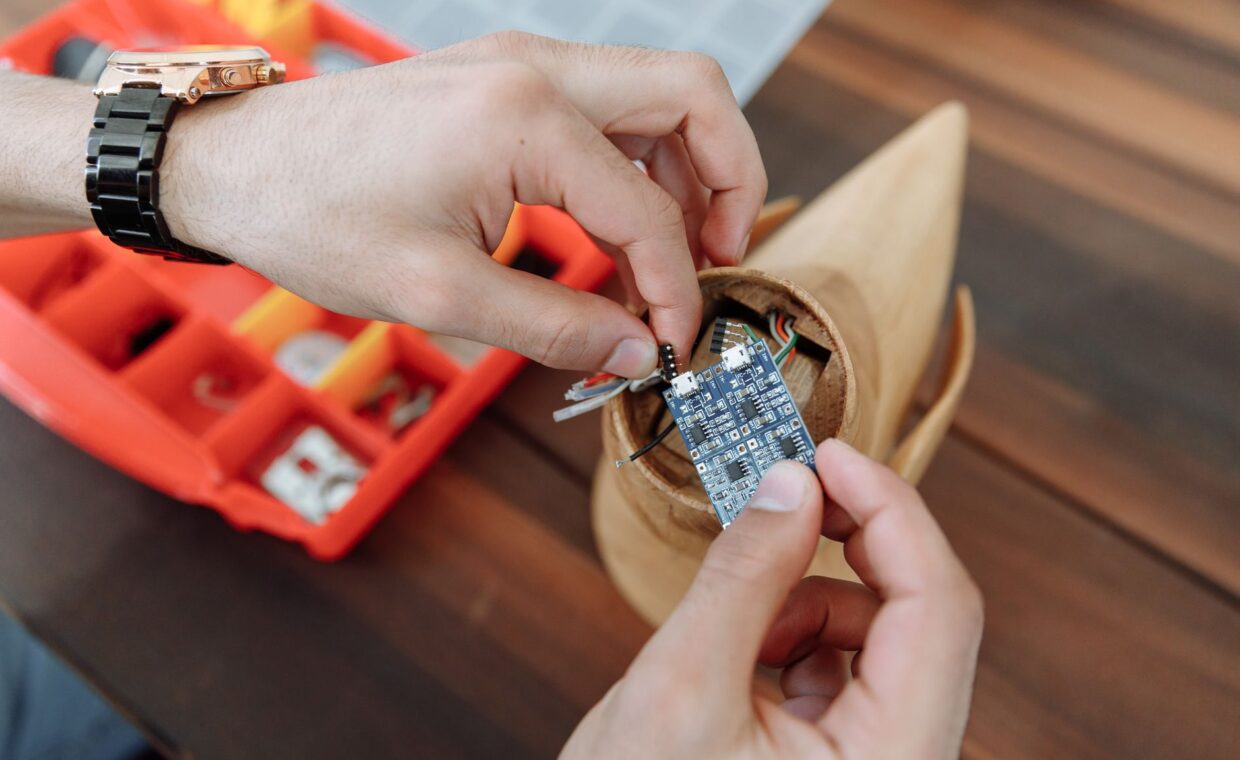
Racks of tiny computers wired together make for a striking photo, and that image draws a lot of people toward the idea of a home cluster. The reality is quieter and more educational. Linking several small boards teaches you how real distributed systems handle addressing, shared work, and failure, and it can speed up a narrow set of tasks that split cleanly into pieces. Knowing why you would cluster, how the boards find and share work with each other, and what such a group can and cannot do keeps the project rewarding rather than frustrating.
Why link small boards at all
The honest reason most home clusters exist is learning. Wiring several boards together turns abstract ideas, scheduling, shared storage, and recovering from a dead node, into something you can touch and break safely. A second reason is redundancy, keeping a service alive when one board fails. A third is genuine parallel work, the sort of job that divides into many independent pieces and runs them side by side.
None of that calls for exotic hardware. The same boards people use for single projects, the range shown in the roundup of popular Raspberry Pi projects, become cluster nodes with nothing more than a network cable and a shared configuration. Starting from boards you already understand keeps the new part, the cooperation between them, in focus.
Giving each board an address
A cluster is only a pile of boards until they can find each other reliably. Wired Ethernet into a common switch is the steady foundation, since it avoids the dropouts that make wireless links frustrating in a group. Each board then needs a unique name and a fixed address, either set statically or reserved on the router, so a node stays reachable at the same place even after a reboot.
Consistency across the group saves hours later. Running the same operating system version on every node, picked with help from the rundown of Raspberry Pi operating systems, means one set of commands works everywhere. Key-based SSH from a single control board to the rest lets you manage the whole cluster without typing a password for each machine.
Bringing the group online
The first cooperation between boards follows a repeatable sequence. These steps take a shelf of separate computers to a group that answers as one.
- Flash the same system image to every board and give each a distinct hostname.
- Wire the boards to one switch and assign fixed addresses so they always locate each other.
- Set up key-based SSH so a single control board reaches the others without passwords.
- Install a management tool that runs one command across every node at once.
- Hand the group a small test job and confirm each node reports its result.
Sharing work across the group
Once the boards talk, the question is how to divide a job. The friendliest tasks split into independent chunks, since each board takes a share and none waits on another. Rendering many images, processing a batch of files, or running separate test suites all fit this shape. Work that constantly passes data between nodes fits far worse, because the network between boards is slow next to memory inside one.
Several tools make the sharing practical. A configuration manager pushes identical setups to every node, a container scheduler such as a lightweight Kubernetes build spreads services across the group, and a job queue hands out pieces of work as boards become free. Which you reach for depends on whether you are spreading services, batch jobs, or a single large parallel computation.
Power and heat once there are several
One board sips power, but multiply it by six or eight and the supply becomes a real design choice. A single multi-port charger rated for the total current is tidier than a nest of separate adapters, though it must genuinely deliver what the whole group pulls at once, not just on paper. Cabling, both power and network, quickly turns messy without a little planning.
Heat rises with density too. Boards stacked close in a small case warm each other, so open spacing or a quiet fan keeps them from throttling. A cluster also benefits from a simple status readout, and a small screen wired to the control node, the sort of build the guide on adding a display to a project covers, turns node health into something you can read without logging in.
What a home cluster realistically does
Expectations are where cluster projects most often go wrong. A group of small boards rarely beats a single modern computer at raw speed, because the network between them and the overhead on each node eat much of the theoretical gain. For pure throughput, one stronger machine usually wins, a trade the comparison on a mini PC against a single board computer weighs in detail.
What a cluster does offer is different in kind. It is a safe, cheap place to learn orchestration, to practise surviving a failed node, and to run tasks that happen to parallelise well. Treated as a teaching rig and a home for a few resilient services, rather than a cheap supercomputer, it delivers steadily and repays the effort you put in.
Deciding if a cluster is for you
A home cluster is worth building when the learning is the goal, when you want hands-on practice with the systems that run behind large services, or when you have a workload that truly splits into parallel pieces. It also suits keeping a couple of small services running through the loss of a single board. In those cases the wiring and the fiddling pay you back in understanding.
If your aim is simply more speed or more capacity, the answer is often a single stronger machine instead, with far less to maintain. The clearest way to choose is to name the one thing you want the cluster for, then ask whether several cooperating boards or one capable computer reaches it sooner. That single question settles most builds before a cable is ever crimped.
Frequently asked questions
Can I build a cluster of Raspberry Pis?
Yes, and it is a common first cluster. You need several boards, a network switch, cabling, and a power plan that covers all of them together. Give each board the same operating system, a unique name, and a fixed address, then set up key-based SSH so one node can drive the rest. From there a management tool coordinates the whole group.
What is a Pi cluster good for?
It is best for learning distributed computing, practising container orchestration, and running tasks that split into independent parts, such as batch processing or many small test jobs. It also hosts a few services with redundancy, so one failed board does not take everything down. It is not a shortcut to the raw speed of a single, more powerful computer.
Is a home cluster actually useful?
It is useful mostly as a teaching tool and for specific parallel or resilient workloads, less so as a way to gain raw performance cheaply. If you want to understand how real clusters schedule work and handle failure, the value is high. If you only need more speed, one stronger machine usually delivers it with less setup and less ongoing upkeep.