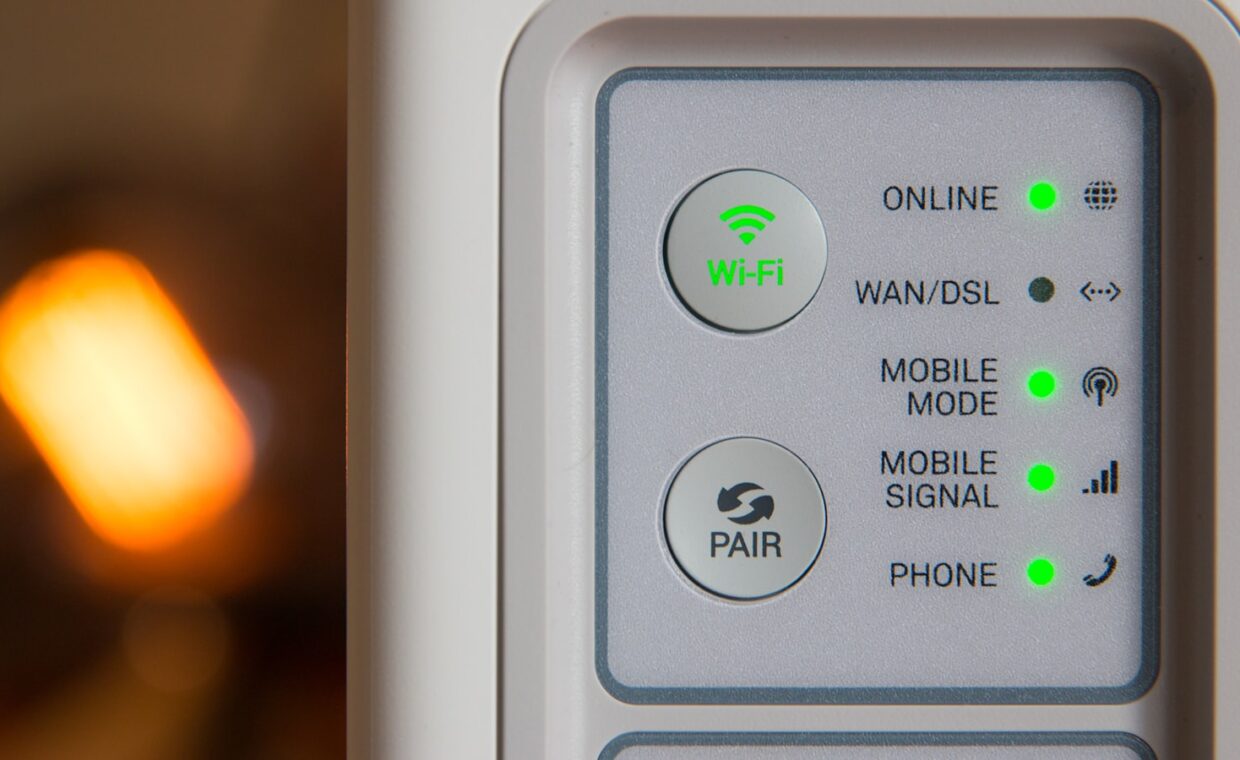
Most homes keep their phones and laptops patched almost without thinking, yet the one device every byte of that traffic passes through, the router, often runs the same software it shipped with years ago. That imbalance matters because the router sits directly on the public internet, answering unsolicited contact all day, while the machines behind it stay hidden. Firmware is the operating system of that exposed box, and like any operating system it accumulates security holes over time. This guide explains how those holes are found and closed, what happens when a model stops getting fixes, and how to keep your own router current without breaking it.
The most exposed computer in the house
A router is a small computer running a full operating system, usually a version of Linux, with a web server, a firewall, and several network services built in. Every one of those parts can carry a flaw. Because the router presents a public address to the wider internet, automated scanners reach it constantly, testing known weaknesses against millions of devices without any person choosing a target. A laptop behind the router is shielded by that same device, so when the shield itself is vulnerable, everything downstream is at risk. Seeing how public and private addressing separates the two sides makes the exposure clearer, the split the explainer on addresses that face outward and inward draws.
How a flaw becomes public knowledge
Security flaws follow a fairly predictable path. A researcher or attacker finds a weakness, then usually reports it privately to the manufacturer under a disclosure agreement that grants a fixed window, commonly 90 days, to prepare a patch. When that window closes, or when a fix ships, the details often become public, sometimes with working proof of concept code attached. From that moment every unpatched device of that model is a documented target rather than a guess. The gap between public disclosure and a home user actually applying the update is where most compromises happen, and on routers that gap can stretch for months or years because nobody thinks to look.
How manufacturers deliver fixes
Not every router updates the same way. Models sold in the last few years increasingly check for and install firmware on their own, sometimes overnight, which shrinks the disclosure gap without the owner lifting a finger. Older units and many budget models still require you to download a file from a support page and upload it through the settings interface by hand. Some brands push updates only through a companion phone app. Knowing which category your router falls into tells you whether automatic protection is doing the work or the responsibility is entirely yours. The wireless side receives fixes this way too, so the generation your router speaks, detailed in the comparison of the various wireless standards, affects which bugs still draw attention from the maker.
End of support and why it bites
Every router eventually reaches a point where the manufacturer stops releasing firmware for it. This end of support is rarely announced loudly, and the device keeps working, which is exactly the danger. A router past its support date will never receive a fix for any flaw discovered after that date, so its risk only grows while it sits there looking fine. Support lifetimes vary widely, from a couple of years on cheap hardware to five or more on better models. Before buying, and now and then afterwards, it pays to check how long a model is promised updates. Other network gear ages the same way, and how powerline adapters behave once their firmware stops improving is one thread the guide on powerline results in real homes follows.
Checking and updating safely
Bringing a router up to date is low risk if you follow a careful order. The steps below apply to almost any model, whether it updates itself or waits for you.
- Find your current version. Log in to the router, usually by typing its address into a browser, and note the firmware version and the exact model number shown on the status page.
- Check what is available. Visit the manufacturer support page for that precise model, compare the latest firmware with yours, and read any release notes for security fixes.
- Update over a cable if you can. Applying firmware across a wired link avoids a dropped wireless connection interrupting the write, which is the main way an update goes wrong.
- Do not cut the power. A firmware write takes a few minutes, and losing power partway can leave the device unusable, so begin when nobody needs the connection.
- Confirm and re-check settings. After the reboot, log back in, verify the new version, and make sure your options survived, since some updates reset them to defaults.
A temporary wired connection is handy well beyond updates, and the trade-offs between cable and radio for demanding uses appear in the guide on wired and wireless play compared.
Keeping the router current as a habit
The router earns its neglect by being reliable. It sits in a corner and works, so nobody thinks about it. That very reliability is why it becomes the weak point, running years-old software on a public address while every other device quietly patches itself. Treating a firmware check as a scheduled chore, a few minutes every couple of months, removes most of that risk for no money at all. If the router updates on its own, the chore is simply confirming that the setting is switched on and working.
When a router reaches the end of its support life, the honest response is to replace it rather than hope. A capable current model costs little, updates itself, and carries a support commitment you can read before buying. Weigh that against the value of everything that passes through it, from banking to private messages, and the case for keeping the most exposed device current, then retiring it on schedule, is hard to argue against.
Frequently asked questions
How often should I update router firmware?
Checking every two to three months is a sensible rhythm for a router that does not update itself, with an immediate check whenever you hear of a serious flaw affecting your brand. If your model installs firmware automatically, confirm that setting is on and let it run. The goal is to shorten the window between a fix being released and your device receiving it, since that gap is when most attacks land.
Is my old router a security risk?
It can be, and the deciding factor is whether it still receives firmware. A router past its end of support date will never be patched for newly found flaws, so its risk climbs steadily even though it keeps working normally. Check the manufacturer page for its support status. If updates have stopped and the device faces the internet directly, replacing it is the sound choice rather than a cautious one.
What happens if a router stops getting updates?
The device keeps routing traffic, which is why the problem hides so well. What changes is that any vulnerability found afterwards stays open permanently, and automated scanners will eventually reach and exploit it. An unpatched router can be pulled into a botnet, have its address settings altered to redirect you to fake sites, or expose the devices behind it. Continued function is simply not the same thing as continued safety.