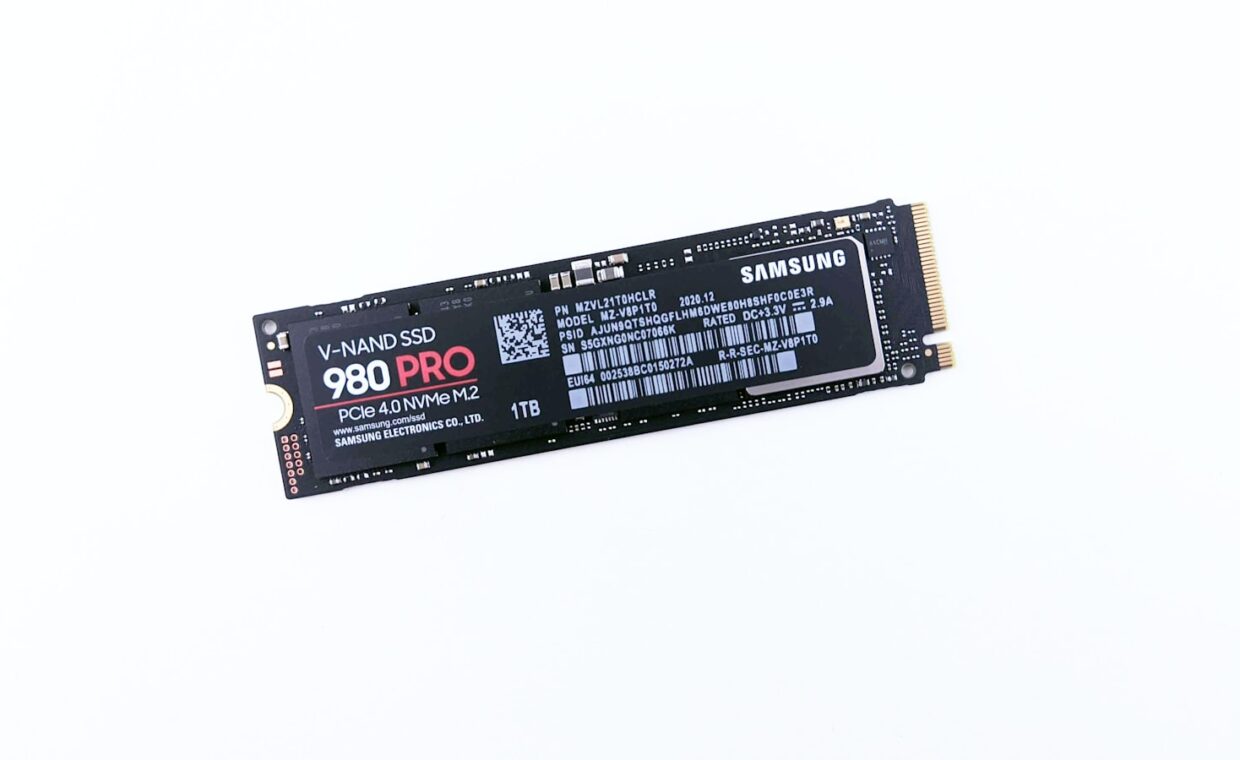
Buy a solid-state drive sold as 500 gigabytes and the operating system reports a little less, while the drive itself quietly holds back even more capacity than that gap suggests. That reserved slice is called over-provisioning, and it is one of the main reasons a good SSD keeps its speed and lasts for years instead of slowing to a crawl. This piece explains what the drive sets aside, how that spare room protects both performance and lifespan, how you can add more of it yourself, and why a nearly full drive starts to struggle.
The spare capacity you never see
Flash memory has an awkward habit. It can be written in small pages but can only be erased in much larger blocks, so before the drive can reuse space it often has to gather up the still-valid pages from a block, move them elsewhere, and erase the whole block clean. To do that shuffling it needs somewhere to put data in the meantime, and that is what over-provisioning provides, a pool of blocks the controller keeps for its own use.
Part of this reserve comes free from arithmetic. Drive makers count a gigabyte as a round billion bytes, while the drive’s flash is measured in binary units that are slightly larger, so a nominal 500 gigabyte drive actually contains a little more raw flash than it advertises. Many drives set aside a further slice on top, so the true working reserve is bigger than the marketing gap alone implies.
Why reserved blocks keep writes fast
An SSD is quickest when it can write straight into blocks that are already empty. Once the drive has been used for a while, few blocks are cleanly empty, and the controller must pause to erase space before it can accept new data. A healthy reserve lets it postpone that cleanup, absorbing bursts of writing into ready blocks while it tidies up in the background.
This is where housekeeping earns its keep. The routines that reclaim space, garbage collection working together with the operating system’s discard signals, run far more smoothly when they have spare blocks to work with, the mechanism the walkthrough on how TRIM and garbage collection cooperate lays out. Starve the drive of free blocks and that cleanup happens right when you are trying to write, which is felt as a sudden loss of speed.
Longer life from fewer rewrites
Every flash cell tolerates a limited number of erase cycles, so the fewer times the drive rewrites the same data, the longer it lasts. A larger spare area gives the controller more room to spread writes evenly across all the cells, a process called wear levelling, so no single group of blocks wears out early while others sit idle.
Spare capacity also lowers write amplification, the ratio between the data your computer sends and the larger amount the drive actually writes once it accounts for all that internal shuffling. Keeping that ratio down means fewer physical writes for the same work, which directly stretches the drive’s endurance, the gradual decline the article on how flash cells wear out with use traces in detail.
Setting aside your own spare area
You can hand the drive extra headroom beyond the factory amount, and on drives that see heavy sustained writing it can noticeably steady performance. The simplest method is to leave part of the drive unpartitioned, since the controller treats space that has never held a partition as free to use for its own management, especially once TRIM has told it that region is empty.
| Spare area | Where it comes from | Main effect |
|---|---|---|
| Factory reserve | The gap between billed and binary capacity | Baseline steady-state speed |
| Extra vendor reserve | Maker sets aside more flash | Higher sustained writes and endurance |
| User over-provisioning | You shrink the partition or leave space unallocated | Extra headroom for demanding work |
| Everyday free space | Unused room in the filesystem | Gives the controller room when TRIM runs |
Some manufacturer utilities offer a one-click setting to reserve a percentage, which does the same thing behind a friendlier button. For most people, simply keeping the drive comfortably below full achieves much of the benefit without any special steps at all.
Why a nearly full drive slows down
As a drive fills, the pool of ready blocks shrinks, whether or not you formally reserved any. With little room to manoeuvre, the controller has to erase and consolidate blocks on demand, right in the path of your writes, and write amplification climbs because it keeps relocating data to free up space. The result is a drive that once felt quick now stalling during saves and copies.
This matters most for people who routinely move large files, such as editing footage from a full memory card, so keeping a healthy margin free is part of a smooth setup, a habit our coverage of planning a photo and video storage workflow builds in. A common rule of thumb is to leave at least ten to fifteen percent of a drive empty, and more if you write to it hard every day.
What this means in practice
Over-provisioning is not a feature you switch on so much as a cushion the drive relies on to stay fast and durable. The factory reserve handles the basics, and leaving sensible free space, or setting aside a little of your own on a heavily used drive, extends that cushion where it does the most good. None of it demands deep technical work, only the discipline not to cram a drive to its last gigabyte.
One caveat is worth remembering when a drive changes hands. Because reserved blocks sit outside the normal address range, ordinary deleting leaves data lingering in them, which is why a proper reset matters, the process the breakdown of wiping a drive before you pass it on sets out. Treat the hidden spare area as part of what keeps the drive healthy, and both its speed and its working life hold up far better over time.
Questions people ask most
What is SSD over-provisioning?
It is spare flash capacity the drive keeps for its own management rather than for your files. The controller uses this reserve to gather, move and erase data efficiently, which keeps writes fast and spreads wear evenly. Some of it comes free from the difference between advertised and actual flash, and makers often add more, giving the drive room to work without your intervention.
Should I leave free space on my SSD?
Yes. Even beyond any formal reserve, keeping a drive from filling completely gives the controller ready blocks to work with, which keeps performance steady and lowers write amplification. Leaving roughly ten to fifteen percent empty is a sensible target, and a little more if you write large files daily. A drive crammed to the last gigabyte will feel slower and work harder.
Does it extend SSD life?
It can. A larger spare area lets the drive spread writes more evenly and reduces how much data it rewrites internally, both of which lower the wear on each flash cell. The effect is gradual rather than dramatic, and for light everyday use the factory reserve is usually plenty. Heavy, write-intensive workloads benefit most from adding a little of your own.