Choosing between a laptop and a desktop for a home office or the family room looks simple until you compare two machines with the same price and notice how differently they spend that money. One folds shut and travels; the other stays put but gives you more speed and a longer usable life. This guide works through the trade-offs that actually matter at home: how much real performance each dollar buys, what you can repair or upgrade later, how each machine fits your desk, and what the final bill looks like once the extras are counted.
Performance for the price
A desktop and a laptop at the same price rarely deliver the same speed. Desktop parts run in a roomy case with large fans and steady power, so they sustain higher clock speeds without overheating. A laptop squeezes similar components into a thin shell, then limits their power to protect battery life and keep the chassis cool. The result is that a desktop often performs like a laptop costing several hundred more, especially for sustained work such as video editing, compiling code, or gaming at high frame rates.
For light tasks, browsing, email, streaming, and documents, the gap barely shows. Both feel quick, and the extra desktop headroom sits idle. The performance argument only becomes decisive if you regularly push the machine hard, or if you expect the same computer to stay capable four or five years from now, when today’s heavy software becomes ordinary.
Portability and where each machine fits
The obvious split is mobility. A laptop moves from the kitchen table to the sofa to a coffee shop, and it keeps working through a power cut for a few hours. A desktop asks you to come to it. If your home has one study or a fixed corner where computing happens, that fixed spot may be no hardship. If people share the machine across rooms, or a student carries it between home and campus, the laptop wins before performance even enters the conversation.
Portability carries its own compromises, mainly in weight, battery, and heat, which pull against each other in every thin design. A bigger battery adds weight, more power draws more heat, and thinner bodies cool less well. The relationship between those three, set out in our piece on how weight, battery and power trade off, explains why the lightest laptops are rarely the fastest.
Upgrades and repairs over the long term
Desktops are built to be opened. Standard screws, replaceable parts, and room to work mean you can add memory, swap a graphics card, or fit a larger drive years after purchase, stretching the machine’s life and spreading the cost. When a part fails, you replace that part rather than the whole computer.
Laptops vary widely. Some still let you change the storage and memory, but many now solder both to the board, so what you buy is what you keep. Even where upgrades are possible they are fiddlier and easier to get wrong. Storage is the common exception, and fitting a faster drive is one of the cheapest ways to refresh an aging machine, as the walkthrough on replacing the drive in a portable shows. Repairs follow the same pattern: a desktop fan or drive is a quick, cheap fix, while a laptop repair often means sending it away.
Desk space, monitors and peripherals
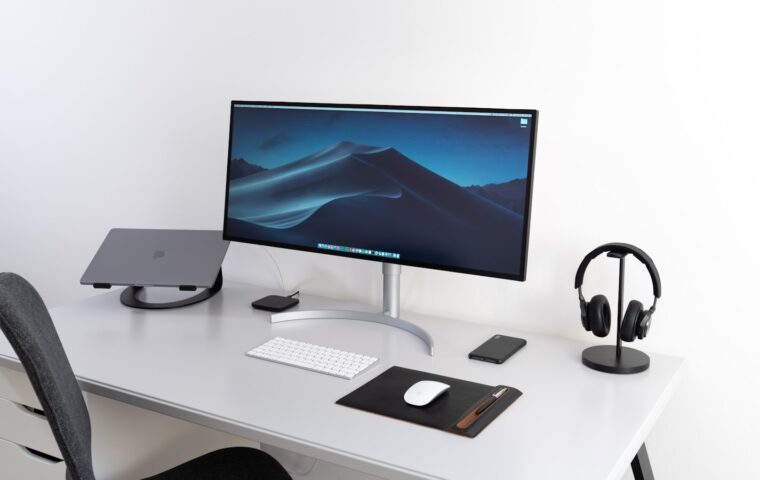
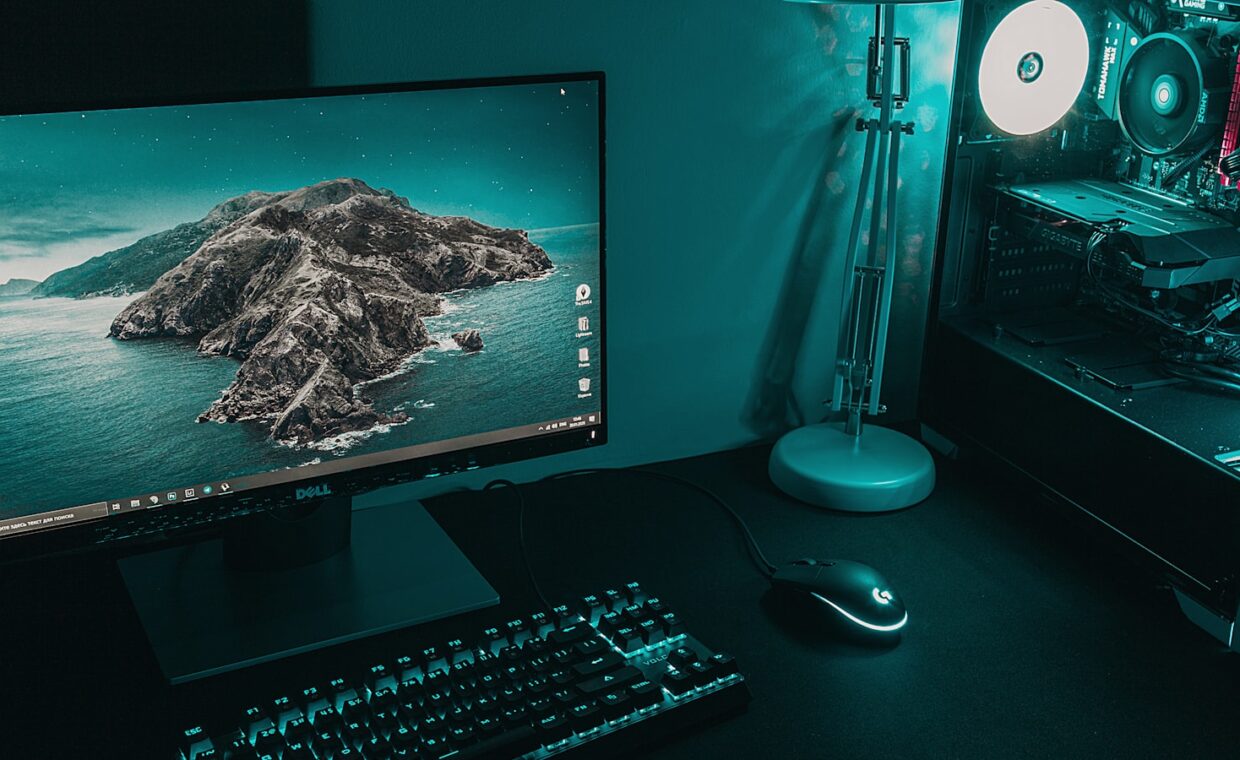
A desktop needs a permanent home: a tower, a monitor or two, a keyboard, and a mouse, which together claim real desk area. That footprint buys comfort, though. Large screens, a full keyboard, and proper speakers make long sessions easier on the eyes and hands. A laptop starts compact, yet many people end up adding the same external screen and keyboard to work comfortably, which quietly erases the space saving while it sits on the desk.
The table below compares the two on the practical points that shape daily use at home. Plugging a portable into a large display is straightforward, and our guide to driving external screens from a portable covers the cable and resolution details worth checking first.
| Factor | Laptop | Desktop |
|---|---|---|
| Desk footprint | Small alone, larger once a screen is added | Fixed and sizable |
| Screen size | 13 to 17 inches built in | Any external monitor you choose |
| Keyboard comfort | Cramped, better with an external one | Full size by default |
| Moving it | Lift and go | Unplug everything first |
The full cost once accessories are added
Sticker price is only the start. A desktop tower usually arrives without a monitor, keyboard, mouse, or speakers, so the real total includes those. A laptop includes a screen, keyboard, trackpad, and battery in the box, which flatters its price until you decide you want a bigger display and a comfortable keyboard at home anyway.
Then there are the connecting pieces. A laptop used as a home machine often gains a single-cable hub so one connector links it to power, screen, and accessories, and the primer on choosing a one-cable desk hub weighs the options. Add a carry case, perhaps a spare charger, and the two totals move closer together than the shelf labels suggest. Counting every accessory you will actually use gives a fairer comparison than the headline number.
Making the decision
Start from how and where you will use the machine, not from the spec sheet. If computing in your home happens in one place, and you value speed, easy repairs, and a long upgrade path, a desktop returns more for the money and tends to stay useful longer. If the machine must follow you around the house or leave it entirely, a laptop’s flexibility is worth the performance you give up, and for everyday tasks that gap is small.
Many households land on a mix: a capable laptop for daily, movable use, paired with an external monitor and keyboard for comfort at a desk. That setup borrows some desktop comfort without giving up mobility, though it costs more than either alone. Whatever you choose, price the whole setup, screen, input devices, and any hub included, so the choice rests on the true cost rather than the number on the box.
Common questions, answered
Is a desktop really cheaper than a laptop for the same performance?
For sustained performance, usually yes. Desktop parts cost less per unit of speed because they are not miniaturised, and cooling lets them run at full pace. At the same price a desktop typically matches a laptop costing a few hundred more. The saving narrows once you add a monitor, keyboard, and mouse, so compare complete setups rather than the tower alone.
Can a laptop replace a desktop with an external monitor and keyboard?
For most home users, yes. A mid-range laptop connected to a large screen, a full keyboard, and a mouse handles browsing, office work, media, and light creative tasks comfortably. The limits show only under heavy sustained load, where a laptop throttles to manage heat. If you never push it that hard, the docked laptop feels much like a desktop while keeping the option to unplug and go.
Which lasts longer before needing replacement?
Desktops generally last longer, because you can replace worn or dated parts one at a time instead of buying a whole new machine. Laptops face more heat, battery wear, and hinge or port stress from being moved, and soldered components limit upgrades. A well-kept laptop still serves five years or more, but a desktop can be nursed along further with cheap, targeted swaps.