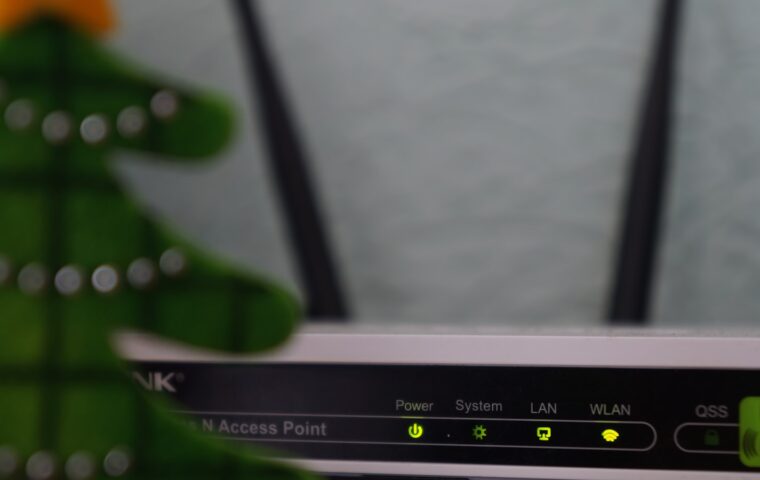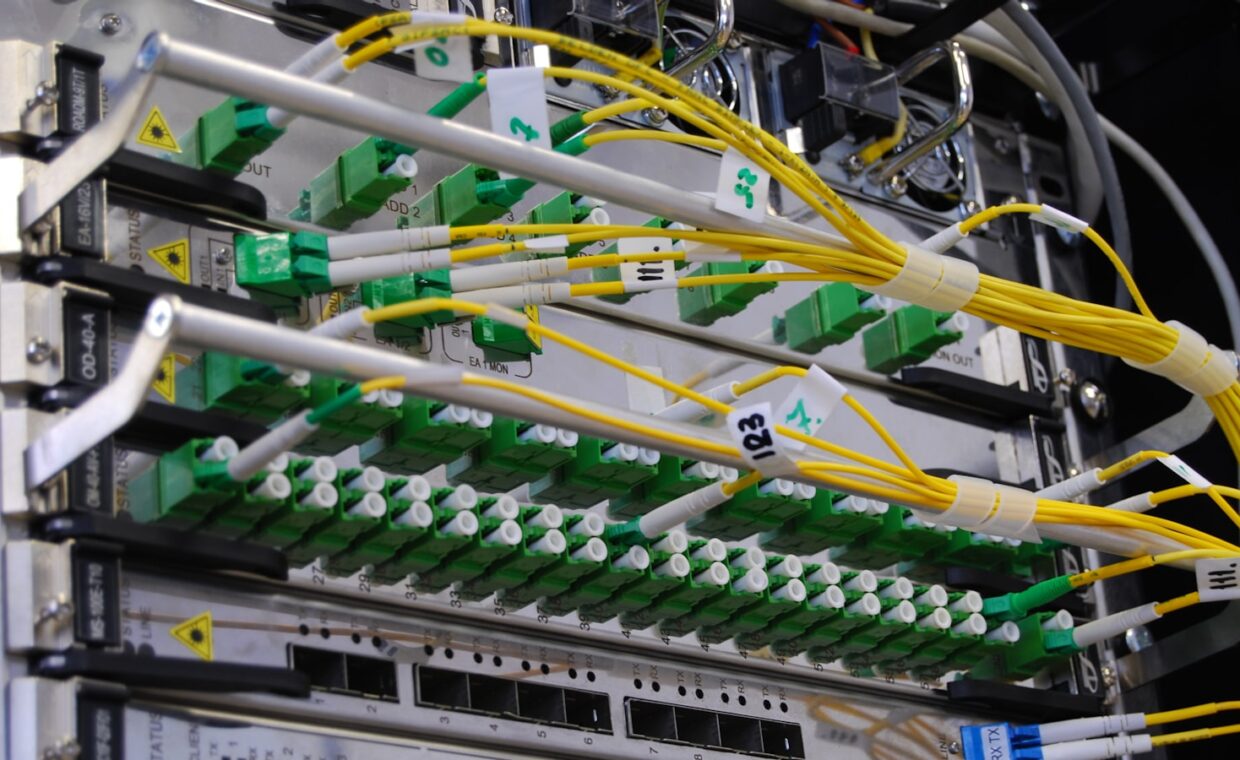
Most people never configure a firewall, yet nearly every home network already runs one. It sits inside the router your internet provider handed you, quietly deciding which traffic from the wider internet is allowed to reach your laptops, phones and smart speakers. Because it works without prompting, many assume they are exposed, or that safety depends on buying extra software. Learning what the firewall genuinely inspects, and what your router does before traffic even arrives, shows how protected you already are, where the real weak points sit, and which settings are best left alone.
What a firewall filters
A firewall is a gatekeeper for network traffic. It watches data arriving at your connection and applies rules that decide whether each piece may pass. The default rule on a home router is simple and strict: allow replies to conversations your own devices started, and block anything that arrives uninvited. So when your phone loads a web page, the response is expected and let through, while a random probe from an unknown address on the internet is dropped without a reply.
This matters because the internet is full of automated scanners constantly testing addresses for open doors. A firewall that refuses unsolicited connections means those scanners find nothing to talk to. It does not inspect the content of your browsing or stop you visiting a risky site; its job is narrower, controlling which connections are permitted to begin in the first place.
Why NAT already helps
Before the firewall rules even apply, another mechanism is quietly shielding you. Network Address Translation, or NAT, lets many devices share one public internet address. Your router hands each device a private address that the outside world cannot see, then translates traffic as it passes in and out. An outsider trying to reach your laptop directly has no route to it, because the laptop’s real address only exists inside your home.
NAT was designed to conserve scarce internet addresses, not to provide security, but the side effect is genuine protection. Incoming connections have nowhere to go unless the router has been told to forward them. For most households this means the combination of NAT and the default firewall already blocks the vast majority of unwanted contact, without anyone touching a setting or installing anything.
Router firewalls versus software firewalls
There are two layers people mean when they say firewall. The one in your router guards the boundary between your home and the internet. The one built into Windows or macOS runs on each computer and controls traffic reaching that specific machine, including traffic from other devices on your own network. They solve overlapping but different problems, and having both is normal rather than redundant.
| Factor | Router firewall | Software firewall |
|---|---|---|
| Where it runs | At the network edge | On each computer |
| Protects | Every device behind it | Only its own machine |
| Local threats | Traffic inside the home passes freely | Can block other home devices |
| Setup needed | On by default | On by default, adjustable per app |
The practical takeaway is that the router protects the perimeter while the software firewall guards a single computer if something already inside the network turns hostile, such as a compromised smart gadget. Keeping visitors’ equipment away from your main machines is a related idea, which is why setting up separate access for visiting devices pairs well with both firewalls.
When opening ports weakens protection
A port is a numbered channel a service listens on, and forwarding one tells the router to send certain incoming traffic straight to a chosen device. People do this to reach a home security camera, a game server or a media library from outside the house. Each forwarded port is a deliberate hole in the default deny rule, a door you have propped open and pointed at one machine.
The risk is not the act of forwarding itself but what sits behind the door. If the camera has a weak default password or unpatched software, you have handed the internet a direct path to it. This is why the process can feel awkward and is easy to get wrong, a snag our piece on why forwarding a port gets fiddly works through carefully. Open only the ports you truly need, aim them at devices you keep updated, and close them again once the need passes.
Keeping the firewall effective
The default firewall does most of its work untouched, but a few habits keep it dependable. Install router firmware updates when they appear, since they patch flaws attackers rely on. Change the router’s administrator password away from the printed default, because anyone who reaches the admin page can simply switch protection off. Review any port-forwarding rules occasionally and delete ones you no longer use.
Filtering which sites or devices can talk to the wider internet is a separate control from the firewall, handled by features that inspect requests rather than block ports, the approach our guide to filtering what devices are allowed to reach sets out. Treat the firewall as the foundation and layer these habits on top, part of the wider effort the primer on tightening a home network end to end describes.
What this means in practice
For an ordinary household, the honest answer is that you are probably already protected. The router your provider supplied ships with NAT and a default-deny firewall active, quietly turning away the constant background noise of internet scanning. You did not have to configure anything for that to be true, and buying a standalone firewall appliance rarely changes the picture for a typical home.
Where attention pays off is at the edges you create yourself: forwarded ports, weak passwords on internet-facing gadgets, and firmware left to rot. Those are the openings that actually get exploited, not some gap in the firewall’s basic behaviour. Keep the defaults, be deliberate about any door you open, and the protection you already own does its job well.
Quick answers
Do I need a separate firewall at home?
For most homes, no. The router from your internet provider already includes a firewall and NAT, which together block unsolicited incoming traffic by default. A separate hardware firewall adds value mainly for people running servers, complex home labs or businesses with specific needs. The firewall built into your operating system covers the extra case of threats that have already reached your network.
Does my router already have a firewall?
Almost certainly yes. Consumer routers have shipped with a firewall enabled by default for many years, and it works without any setup from you. You can usually confirm this in the router’s settings page under a security or firewall heading. Unless someone deliberately turned it off, it is running right now and refusing uninvited connections from the internet on your behalf.
Is opening a port dangerous?
Opening a port is only as risky as the device behind it. Forwarding creates a direct path from the internet to one machine, bypassing the default block. If that machine is fully updated and uses a strong password, the risk is modest. If it runs old software or default credentials, you have exposed a weak point directly. Open ports sparingly and close them when finished.