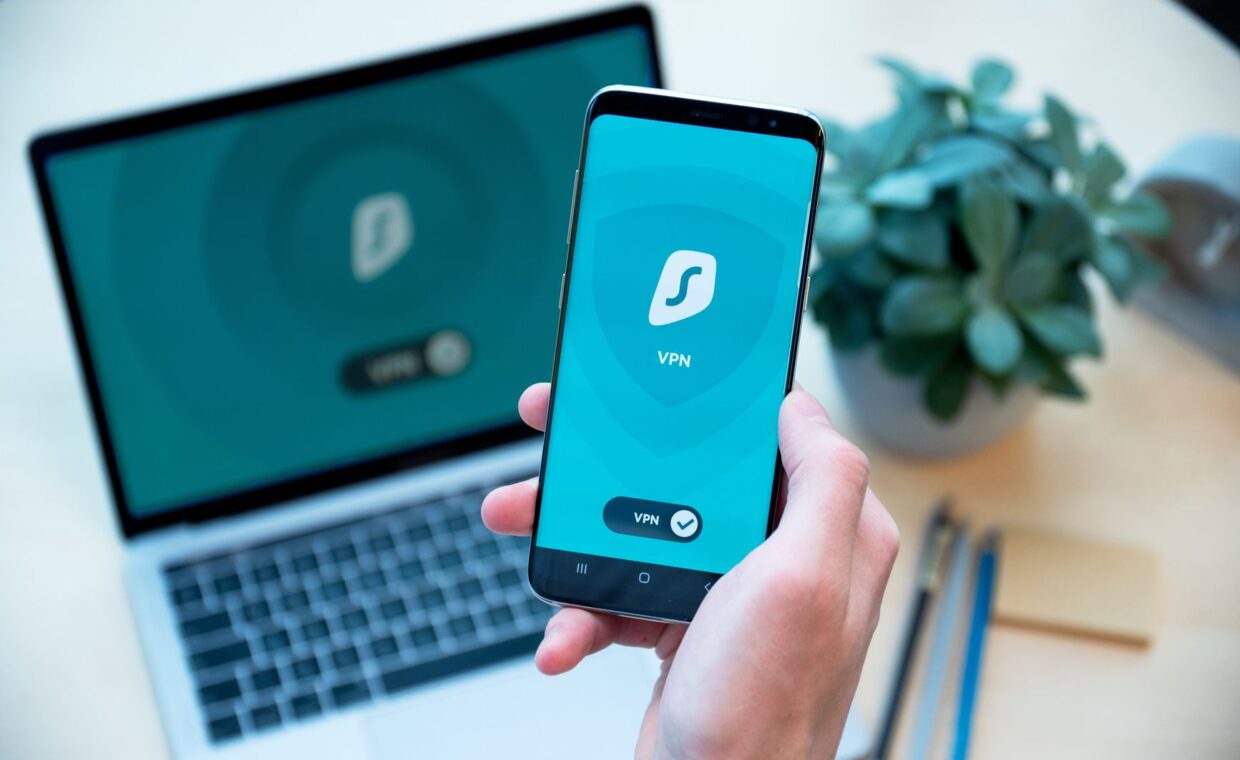
A private network tunnel gets sold as a cloak that makes you invisible online, impossible to track, and safe from every threat. The reality is narrower and more useful once you see it plainly. A VPN reroutes and encrypts the traffic leaving your device, which genuinely changes who can read it and where it appears to come from. It does not erase your identity, and several things people expect it to hide stay fully visible. Sorting the real protection from the marketing helps you decide when a tunnel is worth running and when it adds cost for little gain.
What the tunnel actually encrypts
When you connect through a VPN, your device wraps its outgoing traffic in an encrypted layer and passes it to a server run by the VPN provider. Between your device and that server the contents are scrambled, so anyone watching the local network, another guest on cafe Wi-Fi, or whoever operates the hotspot, sees only that you are talking to a VPN server and not what you are doing.
This overlaps with, but stays separate from, the encryption your Wi-Fi already applies. The protection built into your wireless connection, compared in the guide on the encryption behind your Wi-Fi password, guards only the hop between your device and the access point. A VPN wraps the whole path to its server, which is why it helps most on networks you do not trust and cannot vouch for.
What your internet provider can still see
People often run a VPN to keep their provider from logging their activity, and it moves that visibility rather than removing it. Your provider can no longer read the sites inside the tunnel, but it can still see that you are connected to a VPN, how much data you move, and when. The detailed record of which sites you visit shifts to the VPN company instead.
That is the part worth pausing on. You are not deleting a watcher, you are choosing a different one. A provider answers to the rules of your country and often keeps logs; a VPN provider makes its own promise not to, which you have to take largely on trust. Whether the trade improves your privacy depends entirely on which of the two you would rather rely on.
Common claims measured against reality
The gap between how these services are marketed and what they do is wide enough to be worth laying out side by side.
| Common claim | What actually happens |
|---|---|
| Makes you anonymous | Hides your address, yet logins, cookies, and fingerprinting still identify you |
| Hides everything from your provider | Provider sees a VPN in use and data volume; the VPN company sees your sites |
| Protects against viruses | No effect on downloads or malware; it guards only traffic in transit |
| Always slows you to a crawl | A nearby server usually costs a little speed, not a collapse |
What changes from a website’s point of view
To a website, your traffic appears to arrive from the VPN server’s address rather than from your home connection. That conceals your real public address and your rough location, and it lets you appear to browse from another city or country. For stepping around a location-based block, or keeping a casual site from tying a visit to your home address, this is the feature doing the work.
Appearing elsewhere is not the same as being anonymous. Sites recognize returning visitors through logins, cookies, and browser fingerprinting, none of which a changed address disturbs. Once you sign in to an account, the address you arrived from barely matters. A VPN moves where your traffic seems to originate, but it does not wipe the trail of identifiers a browser carries with it.
The cost in speed and latency
Routing your traffic through an extra server carries a price. Every request now travels to the VPN server first, so a distant server location adds latency, the delay you feel as sluggishness in calls and games. Encryption adds a little processing at both ends, and the tunnel itself can trim throughput, though a nearby, well-run server often keeps the loss modest.
There is a ceiling the tunnel cannot lift. A VPN can never make your connection faster than the local link already allows, and the Wi-Fi generation your device uses sets part of that limit, as the walkthrough on the differences between Wi-Fi generations lays out. If speeds fall sharply with a VPN switched on, a nearer server or a different tunnel protocol usually recovers most of the gap.
What a VPN cannot protect you from
The tunnel guards traffic in transit, and that is the edge of its job. It does nothing about malware you download, a weak password on an account, or a phishing page that talks you into typing your details, because those happen at the ends and not on the wire. Signing in to a service through a VPN still hands that service your identity in full.
It also leaves local traffic untouched. Data moving between two devices in your own home passes through the local switch and never enters the tunnel, a path the article on how a switch moves traffic inside a network describes. A VPN is one layer among several, useful for transit privacy on untrusted networks, and no replacement for updates, good passwords, and care with what you click.
Where a home VPN fits
For everyday browsing on your own network, the case for a permanent VPN is weaker than the advertising suggests. Your home Wi-Fi is already encrypted, secure websites already protect their traffic, and the tunnel mainly shifts your browsing record from your provider to a VPN company. The clearer wins are specific: privacy on untrusted public Wi-Fi, reaching content tied to another region, and keeping a particular site from reading your home address.
There are also practical costs to weigh beyond privacy. If you host anything or make frequent video calls, the extra hop can matter, and your outbound capacity may already be the bottleneck, a point our coverage of why upload speed matters more than people expect makes plain. A VPN is a sharp tool for a few clear jobs, not a blanket shield, and choosing it that way delivers the benefit without paying for protection you never actually receive.
What readers often ask
Does a VPN make me anonymous?
No. A VPN hides your public address and your location from the sites you visit, but that falls short of anonymity. Logins, cookies, and browser fingerprinting still identify you, and any account you sign in to knows exactly who you are. The VPN provider can also see your activity. It changes who watches your traffic and where you appear to be, not who you are.
Will a VPN slow my internet?
Usually a little, sometimes a lot, depending on the server. Your traffic makes an extra trip to the VPN server, which adds latency, and the encryption adds minor overhead. A nearby, uncongested server often costs only a small percentage of speed, while a distant or busy one can cut it sharply. A VPN can never make your connection faster than your line already runs.
Do I need a VPN at home?
For most home browsing, not really. Your Wi-Fi is already encrypted and secure sites protect their own traffic, so a VPN mainly moves your browsing record from your provider to the VPN company. It earns its place for specific jobs: privacy on public Wi-Fi, reaching region-locked content, or hiding your address from a particular site. As an always-on default at home, it is optional.