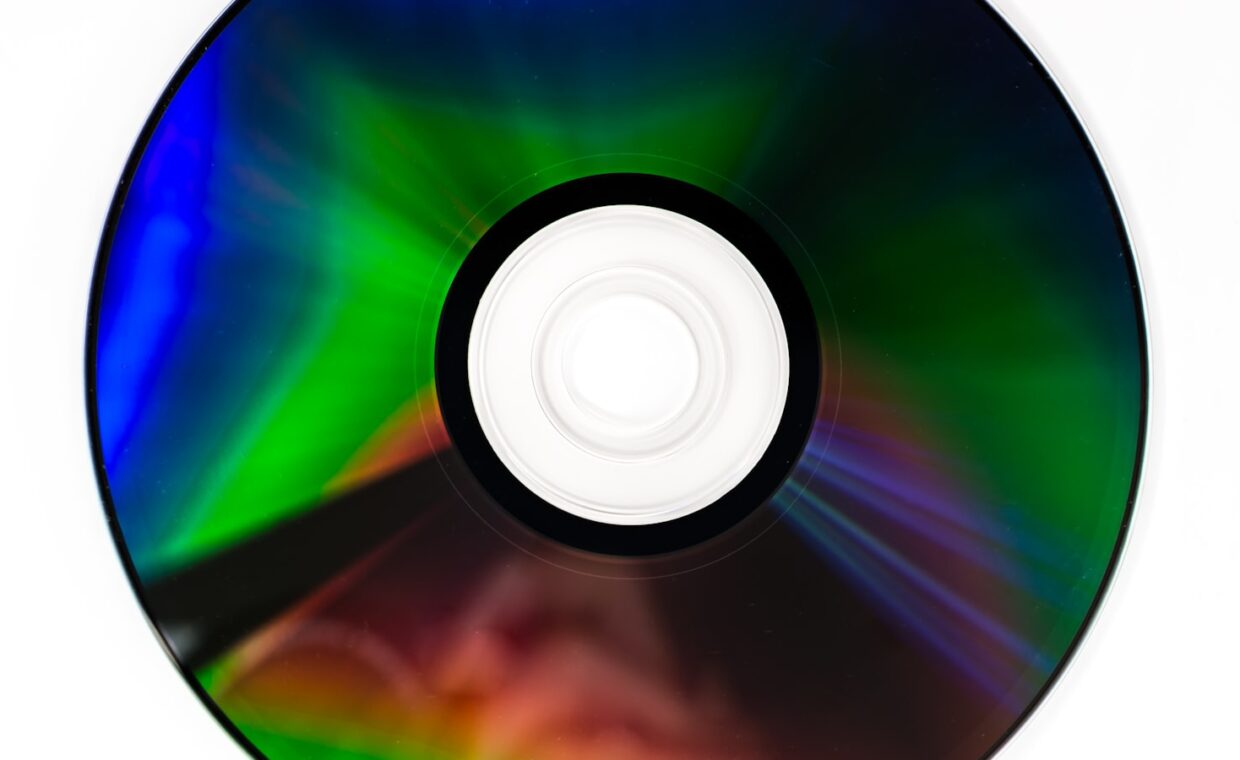
Optical drives vanished from laptops years ago, and streaming services made the movie disc feel like a relic. Blank discs still sell, though, and a certain kind of user still burns them on purpose. The reason is not nostalgia. A written disc has one property that hard drives and flash do not, and for a narrow set of jobs that property is genuinely useful. This guide looks at what optical media can hold and how fast, how long a burned disc survives, why archival grades exist, whether you can still read one, and where a disc today still makes sense rather than habit.
Capacity and speed today
Optical formats stopped growing while everything else raced ahead. A CD holds 700MB, a single-layer DVD 4.7GB, and a dual-layer DVD 8.5GB. Blu-ray pushed further, with 25GB on one layer, 50GB on two, and 100GB on the triple-layer BDXL discs. Write speeds are modest, since a Blu-ray burner might sustain 20 to 30 megabytes per second on a fast disc, so filling a 100GB BDXL takes the better part of an hour or more. Set against a flash drive that now holds hundreds of gigabytes and copies faster, or a hard drive measured in terabytes, a disc looks small and slow. A single memory stick can hold more than a stack of Blu-rays, one of the alternatives the breakdown of picking a flash drive that lasts works through.
The property that keeps discs relevant
A burned disc, specifically a write-once BD-R or DVD-R rather than a rewritable RW disc, cannot be altered after it is finalised. Nothing you plug it into can silently change or encrypt its contents, which makes it immune to ransomware, accidental deletion, and the slow creep of edits that overwrite good files with bad ones. It is offline by default, drawing no power and connected to no network. That combination, write-once and offline, is the real argument for optical media. A hard drive can be wiped in seconds, and a solid state drive left unpowered in a drawer is not a safe long-term archive either, because its cells gradually lose the charge that holds your data, the behaviour our piece on how flash memory ages sets out.
Archival grades and what they change
Not all discs are built to last, and the difference is chemical. A standard recordable disc stores data in an organic dye layer that a laser darkens, and that dye breaks down with exposure to light, heat, and humidity. Archival discs replace the dye with a stable inorganic material. The best known is M-DISC, which etches data into a rock-like layer meant to resist the decay that claims ordinary discs. Makers claim lifespans measured in decades, sometimes centuries, though those figures come from accelerated aging tests rather than real elapsed time. An archival Blu-ray costs several times what a bulk spindle of dye discs does, and for data you truly intend to keep, that premium buys the one thing dye discs lack, which is stability.
Seen beside the other options people reach for, the trade-offs sort out like this.
| Medium | Offline and write-once | Typical lifespan | Best role |
|---|---|---|---|
| Archival Blu-ray (M-DISC) | Yes | Decades, if stored well | Fixed archives you rarely change |
| Ordinary burned disc | Yes | 5 to 15 years | Short-term offline copies |
| External hard drive | No | 3 to 5 years in service | Working backups that change |
| USB flash drive | No | Years, when used | Transport and convenience |
How discs degrade over time
Optical media fails in ways that share a nickname, disc rot. The organic dye in ordinary recordable discs oxidises and loses contrast, until the laser can no longer tell a mark from a gap. The thin reflective layer can oxidise or, on poorly made discs, separate from the plastic in a process called delamination. Cheap discs, fingerprints, flexing, and storage in heat or sunlight all speed the decline. A well made disc kept cool, dark, and dry lasts far longer than the same disc left in a hot car. There is a further catch, since a disc gives no warning before it fails, no health counter to watch, unlike a hard drive that reports its own condition, the sort of monitoring our guide to reading a drive’s SMART data describes. You discover a disc has rotted when you try to read it.
Reading them years from now
The medium is only half the archive, the other half is a drive to read it. Optical drives are no longer standard, and buying one is now a deliberate act. The formats themselves are stable and well documented, so a Blu-ray burned today will be readable for as long as working Blu-ray drives exist, but that is the real question mark. For a long archive, the sensible insurance is to keep a known good USB optical drive with the discs, and to make sure whatever you burn can be read by common hardware rather than an obscure format only one device understood. A disc may well outlive the last drive able to read it, which is a risk worth planning around.
When discs still make sense
Given all that, discs make sense in a few specific situations rather than as a general backup medium. They suit a write-once archive of finished work, family photos, completed projects, or records you must retain, where you want a copy nothing can alter and no subscription can lock you out of. They suit handing physical data to someone who cannot receive a large transfer online. And they suit clearing bulky, finished files off a drive that is running out of room, giving you back working space while keeping the data, the pressure the primer on what happens as a drive fills up describes. What they no longer suit is bulk backup of large, changing data, where drives and cloud storage win outright.
Where this leaves optical
Optical media is not the everyday backup tool it once was, and pretending otherwise ignores how far drives and flash have moved. For copying large, changing collections, a disc is slow, small, and tedious. Judged as a general backup medium, it lost that role a decade ago and is not returning to it.
Judged more narrowly, it still holds a spot nothing else quite fills. A finalised archival disc is offline, unpowered, and impossible to alter after the fact, which is exactly what you want for a set of files meant to stay untouched for many years. Buy archival grade rather than bulk dye discs, store them cool and dark, keep a drive that can read them, and optical becomes a small but real part of a considered archive rather than a dead format.
Questions readers ask
Are DVDs and Blu-rays good for backup?
For fixed archives, yes, within limits. A write-once Blu-ray or DVD is offline and cannot be altered, which suits photos, records, and finished projects you want to freeze. They are poor for backing up large, changing data, being slow and small next to drives. Use archival grade discs for anything meant to last, and keep more than one copy of what matters.
How long do burned discs last?
It depends heavily on the disc and its storage. Ordinary dye-based recordable discs typically last 5 to 15 years, less if kept in heat, light, or humidity. Archival discs such as M-DISC use a stable inorganic layer and are rated for decades or more, though those numbers come from accelerated tests. Cool, dark, dry storage and a quality disc make the largest difference to lifespan.
Is optical storage obsolete?
For mainstream use, largely yes, since streaming, flash drives, and cloud storage cover what most people once used discs for. It is not entirely dead, though. The write-once, offline nature of a burned disc still suits long-term archives that must resist tampering and deletion. As a niche archival tool it remains useful, even as its role as a general storage and media format has faded.