Boxes for powerline adapters print speeds like 1200 or 2000 megabits per second in large type, promising to turn the electrical wiring already in your walls into a fast link between two rooms. The appeal is obvious when Wi-Fi will not reach and running a cable is impractical. What arrives in practice is usually a fraction of that printed figure, and the reasons sit in the physics of house wiring rather than any fault in the adapters. Knowing why the gap exists helps you predict whether powerline will solve your problem or quietly disappoint you.
How a signal rides the mains
A powerline adapter works by adding a high frequency signal on top of the 50 or 60 hertz current already flowing through your electrical wiring. One adapter plugged in near the router injects data as a modulated signal in the megahertz range, and a second adapter elsewhere in the house filters that signal back out and hands it to a device over an ethernet cable. The mains was never designed to carry data, so the adapters spread the signal across many frequencies at once, the same broad approach broadband itself uses to cope with a noisy medium. That adaptability is what makes powerline work at all, and also what makes its speed swing so much from socket to socket.
Because the far adapter presents an ordinary ethernet port, you can plug a small switch into it and feed several wired devices from one link, as the explainer on sharing a wired connection with a switch shows.
Circuits, phases, and paths a signal cannot take
The single biggest limit is the layout of the wiring itself. A signal injected at one socket has to travel back toward the fuse box and out again to reach another socket, and the longer and more branched that path, the weaker it arrives. Worse, many homes, and most larger ones, split their circuits across two or three electrical phases. If your two adapters sit on different phases, the signal has to bridge across them at the distribution board, which cuts throughput sharply or blocks the link entirely. This is why two sockets that feel physically close can perform far worse than two rooms apart on the same circuit. The delay this adds stacks with every other hop, part of the wider picture the primer on where network delay comes from sets out.
Interference from the things plugged in nearby
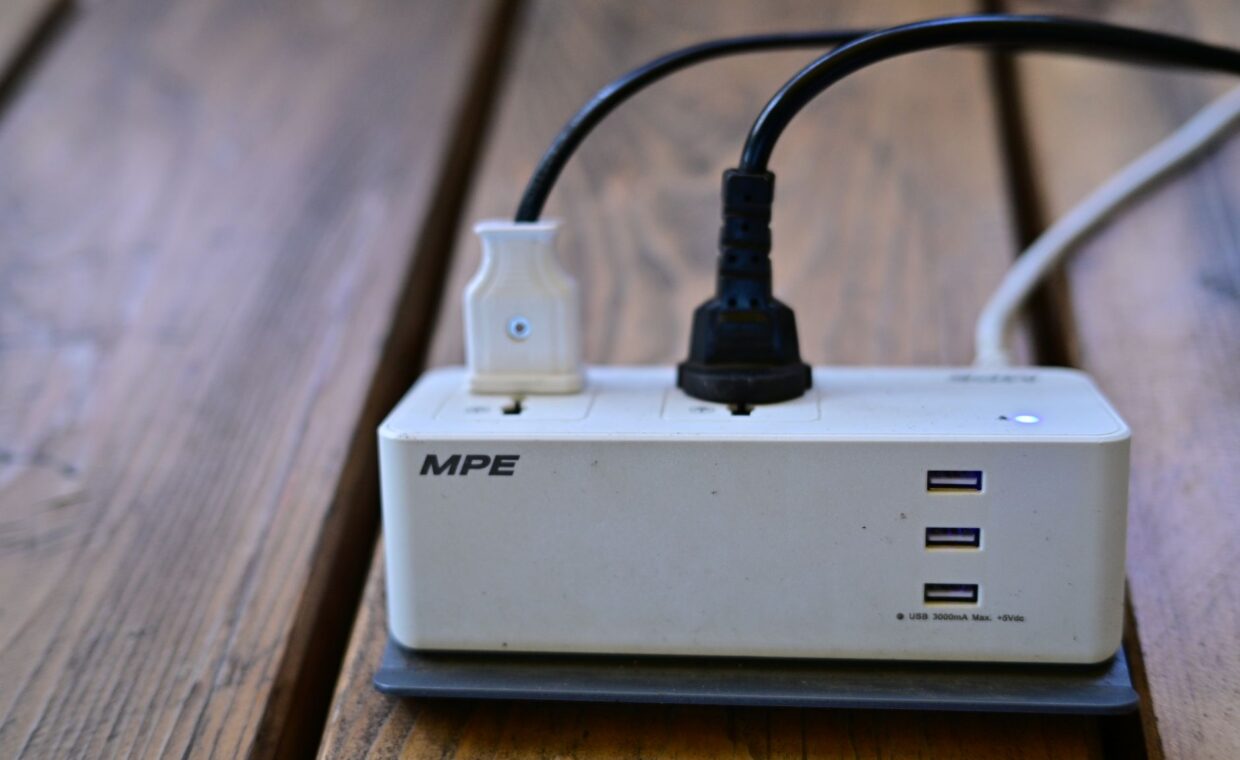
Everything else drawing power on the same wiring competes with the signal. Motors, chargers, LED bulbs, and switch mode power supplies all inject electrical noise into the exact frequency bands powerline relies on. A laser printer warming up, a vacuum cleaner, or a cheap phone charger can each cause a measurable dip, and plugging an adapter into a shared extension strip rather than the wall usually makes things markedly worse, because the strip’s own filtering saps the signal. The effect is not constant, which is why powerline throughput often drifts through the day as appliances switch on and off around the house.
A measured example against the rating
Numbers make the gap concrete. Take a pair of adapters rated at 1200 Mbps, a common AV2 class model. That headline is the theoretical sum of every channel in both directions under laboratory conditions, so no single transfer will ever approach it. On the same circuit, one room apart, a realistic result is around 150 to 250 Mbps of actual data throughput, measured by copying a large file and timing it. Move one adapter to a bedroom on a different phase and that can fall to 30 to 60 Mbps. Add a running appliance on the line and it might dip below 20 Mbps for a while. So a 1200 rating delivered, in this house, between roughly 2 and 20 percent of its printed number depending only on which sockets were used, with the wiring, not the adapter, deciding the outcome.
| Wiring condition | Typical real throughput | Why |
|---|---|---|
| Same circuit, short run, modern wiring | Closest to the rating | Clean path, little attenuation |
| Different circuits on one phase | A fraction of the rating | Longer path through the panel |
| Across two phases, or old wiring | Slow or no link | Signal cannot cross easily |
When powerline is the better choice
Despite the shortfall against the rating, powerline still beats Wi-Fi in specific situations, and it is worth being honest about which. If a room sits behind thick walls or across a floor that wireless cannot penetrate, a powerline link holding a steady 60 Mbps is far more useful than a radio signal that shows two bars and drops every few minutes. Powerline also tends to keep a more consistent delay than a marginal wireless link, which suits video calls and gaming where steadiness matters more than peak speed. Where Wi-Fi already reaches well, though, a current wireless standard will usually be faster and simpler, so the comparison of modern wireless generations is the right place to start before buying any adapters.
Behaving like a wired port
One practical advantage of powerline over wireless is that, to the rest of the network, the connected device looks as though it is plugged straight into the router. It receives an address the same way, and inbound services such as a game host or a media server respond as they would on a cable, without the extra wrinkles a wireless bridge sometimes introduces. If you run anything that accepts connections from outside your home, that transparency saves effort, and the frustrations the guide on making inbound connections reach a device catalogues apply just as they would to any wired machine. Powerline adds no layer that needs its own configuration, which is one of its quieter strengths.
What to expect before you buy
Powerline is neither the miracle the box implies nor the failure sceptics claim. It is a way to get a usable, reasonably steady link into a room that wireless cannot serve, at real speeds that land well below the printed rating and shift with your wiring. If you treat the big number as marketing and expect somewhere in the low hundreds of megabits at best, often much less across phases, the result will not disappoint.
The only reliable test is your own house, because the wiring is the one variable nobody can predict from a spec sheet. Most adapters can be returned, so buying a pair, trying them in the exact sockets you need, and measuring a real file transfer beats any review. If the result clears the speed the room actually needs, the layout of your circuits is on your side. If it does not, no more expensive pair will overcome the same wiring.
Frequently asked questions
Do powerline adapters actually work?
Yes, in the sense that they reliably carry data between two sockets, but the speed depends entirely on your wiring. In a home where both adapters share a circuit with short cable runs, they work well and hold a steady connection. Across different electrical phases, or over long noisy runs, they may crawl or fail to link at all. They work; how well is the part that varies from house to house.
Why is my powerline speed so low?
The usual cause is the electrical path between your two adapters. If they sit on different circuits or phases, the signal has to cross the fuse box, which cuts speed sharply. Noise from chargers, motors, and LED lighting on the same wiring lowers it further, as does plugging into an extension strip rather than the wall. Try moving both adapters to sockets on the same circuit and compare the results before assuming the hardware is faulty.
Are powerline adapters better than Wi-Fi?
Not generally, but sometimes for a specific room. Where Wi-Fi reaches with a strong signal, a modern wireless standard is usually faster and needs no extra boxes. Powerline wins when walls or distance leave wireless weak and unstable, because a steady wired-style link, even at modest speed, beats a fluctuating one for calls and games. The right answer depends on how well wireless already serves the exact spot in question.