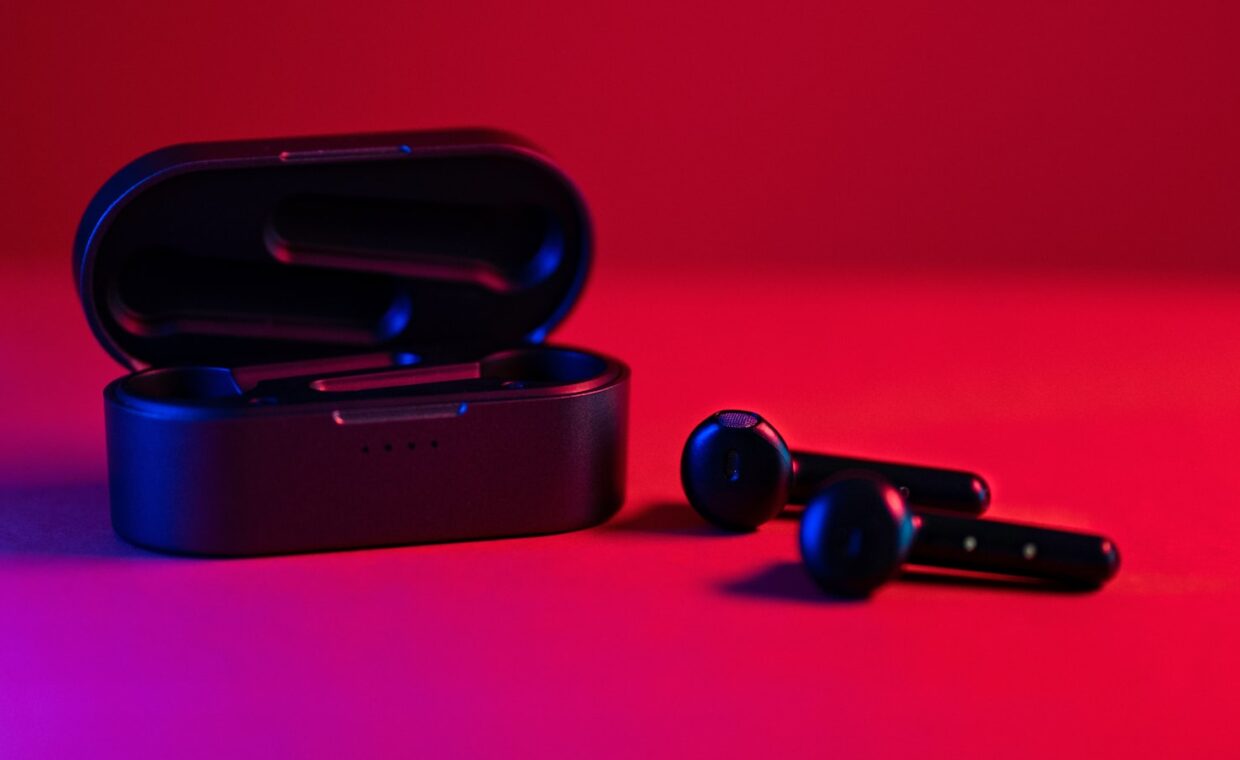
A pair of earbuds connects the instant you lift them from the case, yet the same phone can sit a couple of metres from a speaker and fail to find it. Bluetooth behaves this way because several separate things, the device class, the version, the audio codec and the pairing state, each control a different part of the experience, and none of them is the single range figure people tend to quote. Knowing which factor governs distance, which governs sound and which governs compatibility makes the everyday quirks far less mysterious and a good deal easier to fix when they crop up.
Classes set the power and the reach
The device class is the part that actually governs range, and there are three of them. Class 1 radios transmit at up to 100 milliwatts and can reach around 100 metres in the open, appearing in some laptops and industrial equipment. Class 2 is by far the most common, found in phones, earbuds and most accessories, transmitting near 2.5 milliwatts for a practical range of roughly 10 metres. Class 3 is rarer and weaker, useful for only a metre or so.
Range figures always assume a clear line of sight, which real rooms seldom provide. Walls, furniture and human bodies absorb the 2.4 gigahertz signal, and a device in a pocket or across a room can fall well short of its rated distance. The class sets a ceiling rather than a promise, and both ends of a link count, since a Class 1 laptop talking to a Class 2 headset is still limited by the weaker of the two.
Versions change features, not the basic distance
Bluetooth version numbers, from 4.0 through 5.4 and beyond, describe the protocol rather than the transmit power, so a newer version does not automatically mean longer range. What versions change is capability. Bluetooth 4.0 introduced Low Energy, a separate mode built for sensors and wearables that sips power. Later versions raised Low Energy data rates, improved coexistence with Wi-Fi, and added features such as the audio overhaul in the most recent releases.
Compatibility is generally backward, so a version 5.3 phone will happily talk to a 4.2 speaker, dropping to the shared feature set of the older device. Low Energy can even carry internet traffic directly, including the modern addressing the guide on a plain introduction to IPv6 sets out, though very few consumer products use it that way. For most people the version mainly decides which power-saving and audio features are on offer, not how far the signal travels.
| Factor | What it mainly governs | What it does not decide |
|---|---|---|
| Class | Transmit power and maximum range | Sound quality or features |
| Version | Features, power use, data rate | How far the signal reaches |
| Codec | Audio quality and latency | Range or pairing behaviour |
| Profile | What two devices can do together | Signal strength |
Codecs decide how the audio sounds
When you play music to a wireless headset, the audio is compressed, sent and decompressed, and the codec is the method used for that. Every device supports SBC, the baseline, while many add AAC, aptX or LDAC for higher quality or lower delay. The two ends negotiate when they connect and settle on the best codec they both understand, which is often not the best that either one supports on its own.
It explains why one pair of earbuds may perform better on a given handset than on a different one: the phones offer different codecs, so the shared choice differs. Higher-quality codecs move more data, which can trim range slightly or raise latency, so there is a trade-off between fidelity and responsiveness that matters most for video and gaming, where audio arriving a beat late is easy to notice.
Pairing and connecting are two steps
Pairing and connecting get used interchangeably, but they are different events. Pairing, sometimes called bonding, happens once: the two devices exchange a shared secret and remember each other, so a phone and a headset that have paired keep a stored key. Connecting is what happens every time afterwards, when two already-paired devices find each other and rebuild the encrypted link without repeating that exchange.
This is why a headset can show as paired but not connected, remembered but not currently linked. The key exchange during pairing also encrypts the connection, part of the wider habit of protecting the devices around you that the guide on keeping a home network secure encourages. Removing a device and pairing it again, rather than merely reconnecting, is often what clears a link that has become confused.
Why connections drop out
Most dropouts trace back to the crowded 2.4 gigahertz band, which Bluetooth shares with Wi-Fi, microwave ovens, USB 3 ports and plenty else. Both Bluetooth and Wi-Fi label their generations with rising version numbers, as the guide on how the Wi-Fi generations line up explains, and in a busy home the two can interfere despite the coexistence features built into modern chips. Distance and obstacles compound the problem as the signal weakens.
Other common causes include the body acting as a barrier, since water absorbs 2.4 gigahertz well, so wearing a phone on the opposite side to an earbud can trigger stutters. A multipoint headset juggling two sources, a low battery cutting transmit strength, and an overly ambitious codec on a weak link all produce the same audible gaps. Moving the source closer or dropping to a simpler codec usually settles things down.
What this means in practice
The single range number people ask for does not really exist, because distance comes from the class, sound comes from the codec, and features come from the version, and these three move independently. A recent Bluetooth version on a Class 2 phone still reaches only about ten metres through the air, while its audio quality rests entirely on the codec it and the headset agree on. Separating the three questions makes both buying and troubleshooting much more straightforward.
When something misbehaves, the fault usually lies in the shared environment rather than the specification printed on the box. Bluetooth can even pass a phone’s mobile connection to a laptop over a personal-area network, a slow stand-in for the wired and cellular options the guide on mobile data against home broadband weighs. For everyday listening, keeping the source close, the battery charged and the band uncluttered matters more than any single figure in the product description.
Frequently asked questions
Why does my Bluetooth keep disconnecting?
Repeated dropouts usually come from interference in the shared 2.4 gigahertz band, from distance, or from an obstacle such as your own body sitting between the two devices. A weak battery, a headset switching between two paired sources, or a demanding codec on a marginal link can also cause it. Move the devices closer, reduce nearby wireless clutter, and if it persists, delete the pairing and set it up fresh.
What is the real range of Bluetooth?
For the Class 2 radios in phones and earbuds, the practical range is roughly ten metres in open space, and less through walls or with a body in the way. Class 1 devices such as some laptops can reach around a hundred metres in the clear. The version number does not extend this, because range is set by transmit power, not by the protocol generation the device happens to run.
Does Bluetooth version affect sound quality?
Only indirectly. Sound quality is decided by the codec the two devices agree on, such as SBC, AAC, aptX or LDAC, not by the Bluetooth version itself. A newer version can add support for better codecs or a more efficient audio mode, which may help, yet two devices on the same version can still sound different if they share only the basic codec between them.