Graphics card names look like random strings of numbers and letters, and shop listings rarely stop to explain them. Yet the name follows a pattern, and once you can read it you can place almost any card in a rough performance order without memorising a giant chart. This guide breaks a modern graphics card name into its parts, shows what the generation and tier digits mean, explains the suffixes that trail the number, and covers the traps, such as memory size, that make two cards look closer or further apart than they really are.
The parts of a graphics card name
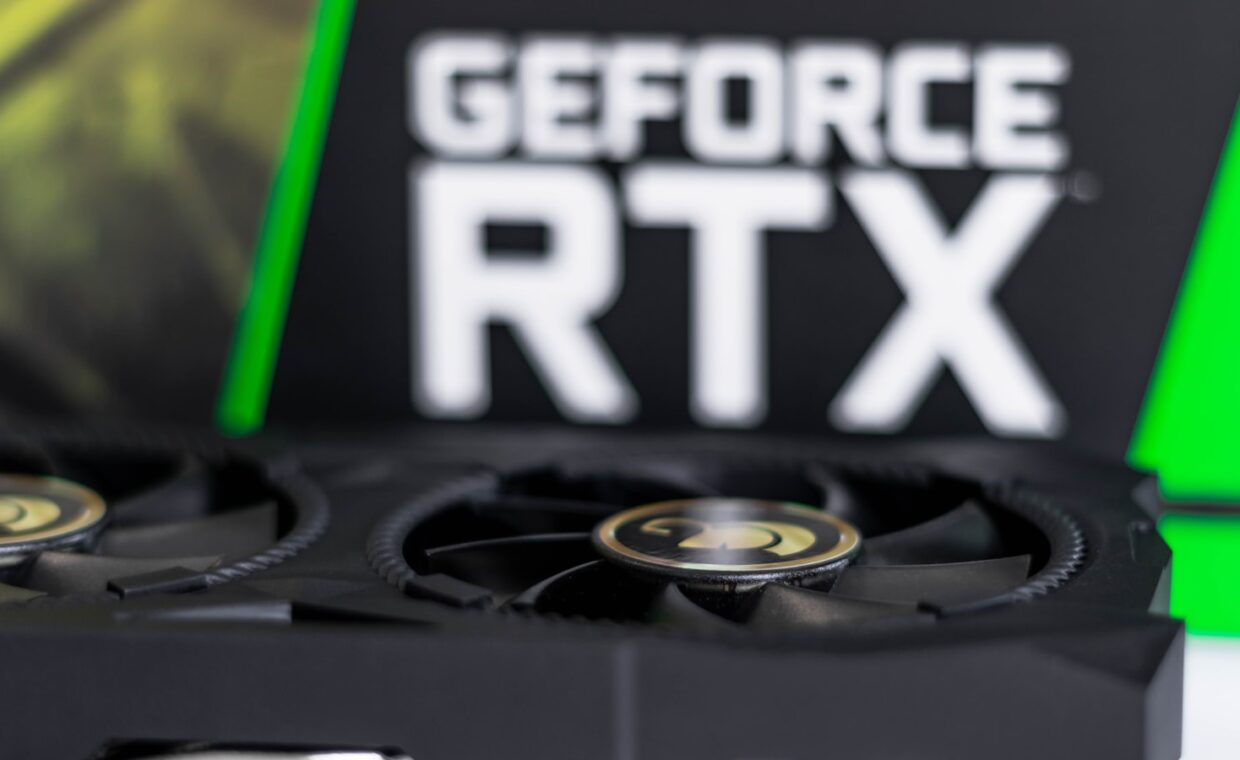
A typical name has four pieces: a brand family, a generation, a tier, and sometimes a suffix. Something like “GeForce RTX 4070 Ti” carries a marketing family, a first digit for the generation, the next digits for where the card sits in its range, and a suffix that marks a variant. The two big designers, Nvidia and AMD, use different words but the same idea, so learning to read one makes the other much easier to follow.
It helps to remember that a graphics card is a very different processor from the main chip in the machine, the distinction the guide on how these two processors diverge draws. That difference is why graphics cards carry their own naming lineage rather than borrowing the numbering used for desktop processors.
Reading the generation and tier digits
In a four-digit number the leading digit or two usually mark the generation, the release wave the card belongs to. A higher generation is newer, and a newer design often does more work per watt than an older one at the same price. The remaining digits mark the tier within that generation, the position on the ladder from entry level up to the flagship, so a model ending in a higher number is generally stronger inside the same family.
The catch is that these digits describe order, not raw output. They tell you how the maker ranks its own cards this year, which is a starting point rather than a measured result. The actual work of turning game data into images, the process the walkthrough on how a card builds each image describes, depends on the chip’s design and clock speeds, not on the label alone.
Reading a card’s name step by step
Working through the name in a fixed order keeps you from being swayed by the largest number printed on the box.
- Identify the brand family, such as GeForce RTX or Radeon RX, to know whose ladder you are standing on.
- Read the generation digit to see how recent the underlying design is.
- Read the tier digits to place the card from entry level to flagship within that generation.
- Note any suffix, since it can shift the card up or down a step.
- Set the memory figure aside for now, because it is not a speed rating.
- Confirm your reading against an independent performance chart before you trust it.
What the suffixes signal
Suffixes are where names get noisy. On Nvidia cards, “Ti” and “Super” mark a stronger version of the base model, sitting a step above the plain number without quite reaching the next tier. On AMD cards, “XT” plays a similar role above a plain part, and labels like “GRE” mark regional or in-between variants. A missing suffix simply means the standard version of that model.
The practical point is that a suffix can matter more than a digit. A card ending in “Ti” can outperform a plain card one tier above it, so the letters are not decoration. When you compare two similar names, settle what the suffix means before you assume the bigger number wins, because that small tag often decides the real order.
Why memory size is not a speed rating
Video memory, or VRAM, appears in many listings and is easy to misread as a measure of speed. It is really a measure of capacity, how much texture and frame data the card can hold at once. A card with more memory can handle higher resolutions and larger textures without stutter, but adding memory does not make the processor calculate frames any faster on its own.
A weaker card fitted with a large amount of memory is a common source of confusion, because the big number hints at power it does not actually have. How much you truly need depends on the resolution and games you run, the sizing question the article on choosing a sensible memory amount works through. Treat memory as one requirement to meet, not a score to push as high as possible.
Comparing cards across brands and generations
Names only rank cards within one maker’s current range, so they cannot settle a contest between an Nvidia and an AMD card, or between a new mid-tier model and an older high-tier one. A three-year-old flagship can trade blows with a fresh mid-range card, and the names give no hint of that. The only reliable comparison is measured frame rates in the games and settings you personally care about.
That is why the last step is always to check an independent benchmark or a tiered ranking chart, which places cards from every brand and generation on one common scale. What finally matters is delivered performance, the outcome our coverage of what sets your frame rate examines, rather than which name happens to carry the larger figure.
Putting it to use
Reading a graphics card name is a quick filter, not a verdict. The generation tells you how modern the design is, the tier tells you where the maker ranks it, and the suffix nudges it up or down a notch. Memory size answers a separate question about capacity, and none of these parts, on their own, proves one card beats another in practice.
Used together, the parts let you shortlist sensibly and spot the marketing tricks, such as a large memory figure bolted onto a modest chip, before they cost you money. Then a single benchmark check confirms the order the name only suggested. That habit, read the name and then verify, turns a wall of confusing model numbers into a short, confident comparison.
Questions people ask most
Does a higher model number always mean a faster card?
Only within the same brand and generation, and even then a suffix can upset the order. Across different generations or makers the number means little, because a newer mid-tier card can beat an older top-tier one, and two brands number their ranges independently. Use the number to sort a single family, then confirm any cross-family comparison with measured frame rates from an independent benchmark.
What do letters like Ti, XT or Super mean?
They mark an enhanced version of a base model. On Nvidia cards, Ti and Super sit a step above the plain number without reaching the next tier, while on AMD cards XT plays the same role above a plain part. These letters can matter more than a digit, since a suffixed card often outperforms the plain model one tier higher, so never ignore them.
Is a card with more VRAM automatically better?
No. Memory sets how much data the card can hold, which helps at higher resolutions and with large textures, but it does not make the chip calculate frames faster. A slow processor paired with plenty of memory stays slow. Decide how much memory your resolution and games need, treat that as a requirement to meet, and judge speed from the processor and benchmarks instead.