Building or upgrading a PC brings you face to face with two words that decide almost everything about which processor you can install: socket and chipset. They sound interchangeable, and product listings rarely spell out the difference, so people order a chip that physically cannot seat in their board, or a board that starves a capable processor of features it should have. By the end of this primer you will know what each term controls, how to read the names printed on a spec sheet, and why a socket that matches is only the first hurdle to clear.
The socket is a physical and electrical contract
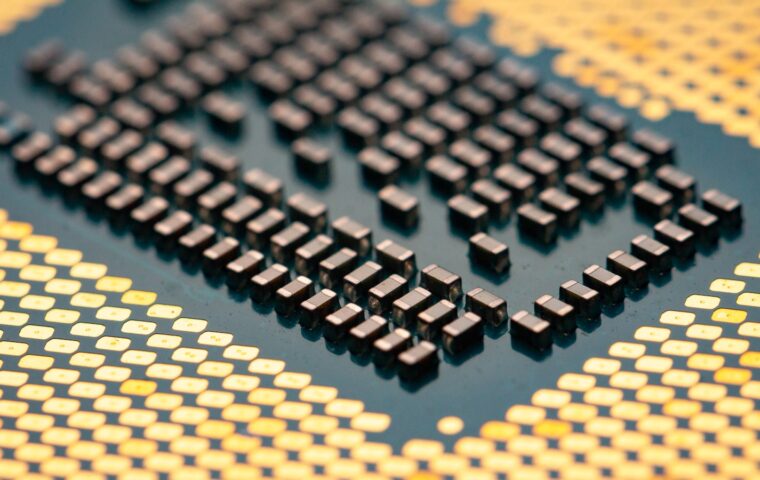
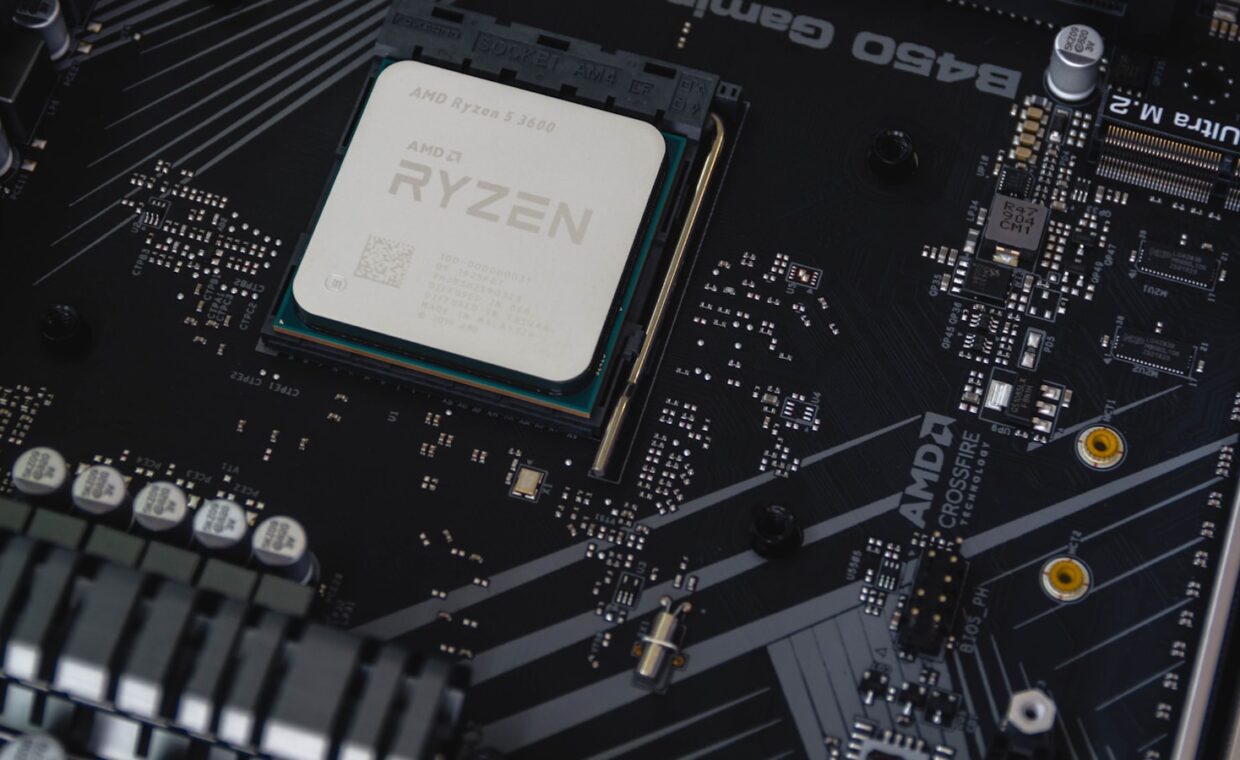
A CPU socket is the array of contacts on the motherboard that the processor seats into. Its shape, pin count and layout are fixed, and each chip is designed to match one specific socket. Recent Intel mainstream boards use the LGA 1700 socket, where the pins live on the board and the chip presses flat pads onto them. AMD used the pin-on-chip AM4 socket for years before moving to the pad-on-chip AM5 design. If the physical fit is wrong, nothing else matters, because the chip simply will not go in.
The socket is an electrical agreement as much as a mechanical one. It defines how power reaches the processor and how many data connections run between the chip and the rest of the board. Two sockets can look similar in size yet carry completely different signalling, which is why you cannot force or file a chip to fit a socket it was never built for.
What the chipset actually governs
If the socket decides whether a chip fits, the chipset decides what the finished system can do. The chipset is a support circuit on the motherboard that manages connections the processor does not handle directly: many of the USB ports, storage connectors, onboard networking and the slower expansion slots. Two boards sharing one socket can offer very different port counts because they carry different chipsets.
The chipset also shapes how many fast connections reach graphics cards and quick storage, a subject the explainer on how expansion lanes are shared lays out in detail. A budget chipset might provide a single fast slot and a handful of ports, while a higher tier chipset adds more storage slots, quicker networking and the option to overclock. None of that changes which chip fits; it changes what the board around the chip can do.
Reading the names on a spec sheet
Spec sheets list the socket and chipset as short codes, and once you know the pattern they stop looking cryptic. The socket appears as something like Socket AM5 or LGA 1700. The chipset appears as a letter and number such as B650, X670, B760 or Z790. The letter signals the tier, running roughly from budget to enthusiast, and the number tracks the platform generation. A processor listing names the socket it needs, and a board listing names both the socket it provides and the chipset it carries.
Match the socket names first, then weigh the chipset against the features you want. The rest of a processor listing, from core counts to cache, is set out in the rundown on what the numbers on a chip mean, but the socket line is the one that governs fit. The table below shows how the main entries line up on a typical modern platform.
| Spec line | Example value | What it tells you |
|---|---|---|
| Socket | AM5 (LGA 1718) | Which chips physically seat in the board |
| Chipset | B650 | Feature tier: ports, storage, overclocking |
| Memory support | DDR5 only | Which memory generation the platform accepts |
| Expansion | PCIe 4.0 and 5.0 slots | Speed available to graphics and storage |
Why a matching socket is not the whole story
Here is where many upgrades come undone. A chip and a board can share a socket and still refuse to work together, because compatibility also depends on firmware and on which processor generation the board was designed around. A single socket often serves two or three generations of chips, and an older board may need a firmware update before it recognises a newer processor. The way these families are numbered is explained in the primer on how chip model numbers track age, which helps you spot a mismatch before you buy.
Board makers publish a supported-CPU list for each model, and that list, not the socket alone, is the final word. A processor released after the board shipped might work only once the firmware is brought up to date, and occasionally an early board cannot be updated far enough. Checking the list takes a minute and saves a return.
Where the memory decision really sits
Memory is the other common trap. Modern processors carry the memory controller inside the chip rather than on the chipset, so the CPU itself decides whether a platform runs DDR4 or DDR5. That arrangement is described in the piece on where memory support is really set, and it explains why a single socket sometimes splits across two memory types. A board might accept your socket yet expect a memory generation your chosen chip does not drive, so a socket match never guarantees the parts will run together.
Making the choice
Sockets and chipsets divide the work cleanly once you see the split. The socket is a yes or no question about physical and electrical fit, and it is the first thing to confirm, because a wrong answer stops the build entirely. The chipset is a spectrum, deciding how many ports, slots and speed tiers surround the processor, and it rewards a little thought about what you actually plan to attach.
Confirm the processor’s required socket, check the board provides it, then check the board’s supported-CPU list for that exact chip. After that, weigh the chipset against your needs for storage, networking and expansion. Follow that order and you sidestep both classic mistakes: a chip that will not seat, and a board that technically works while quietly limiting everything connected to it.
What readers often ask
How do I know if a CPU fits my motherboard?
Find the socket named on the processor, then confirm the motherboard lists the same socket. That settles physical fit. Next, check the board maker’s supported-CPU list for your exact model, because a shared socket can still need a firmware update for a newer generation. When the socket matches and the support list includes your chip, it will fit and run.
What does the chipset actually do?
The chipset manages the connections the processor does not handle itself. It provides many of the USB ports, storage connectors and networking, drives the slower expansion slots, and sets whether features like overclocking are available. It does not decide whether a chip fits, which is the socket’s job. Treat the chipset as the board’s feature budget rather than a fitment requirement.
Can I reuse my old motherboard with a new CPU?
Sometimes. It works only if the new chip uses the same socket and falls within the generations the board supports, often after a firmware update. A newer processor on an incompatible socket will not seat at all. Even with a matching socket, check the board maker’s supported-CPU list first, because firmware and memory type can still block an otherwise tidy upgrade.