Few phone experiences are as frustrating, or as suspicious, as installing an update and feeling the phone slow down afterward. It fuels a persistent belief that manufacturers deliberately cripple old phones to force upgrades. The reality is more mundane and more fixable: several real mechanisms can make a phone feel slower after an update, most are temporary or addressable, and deliberate sabotage is not among them.
The temporary slowdown everyone misreads
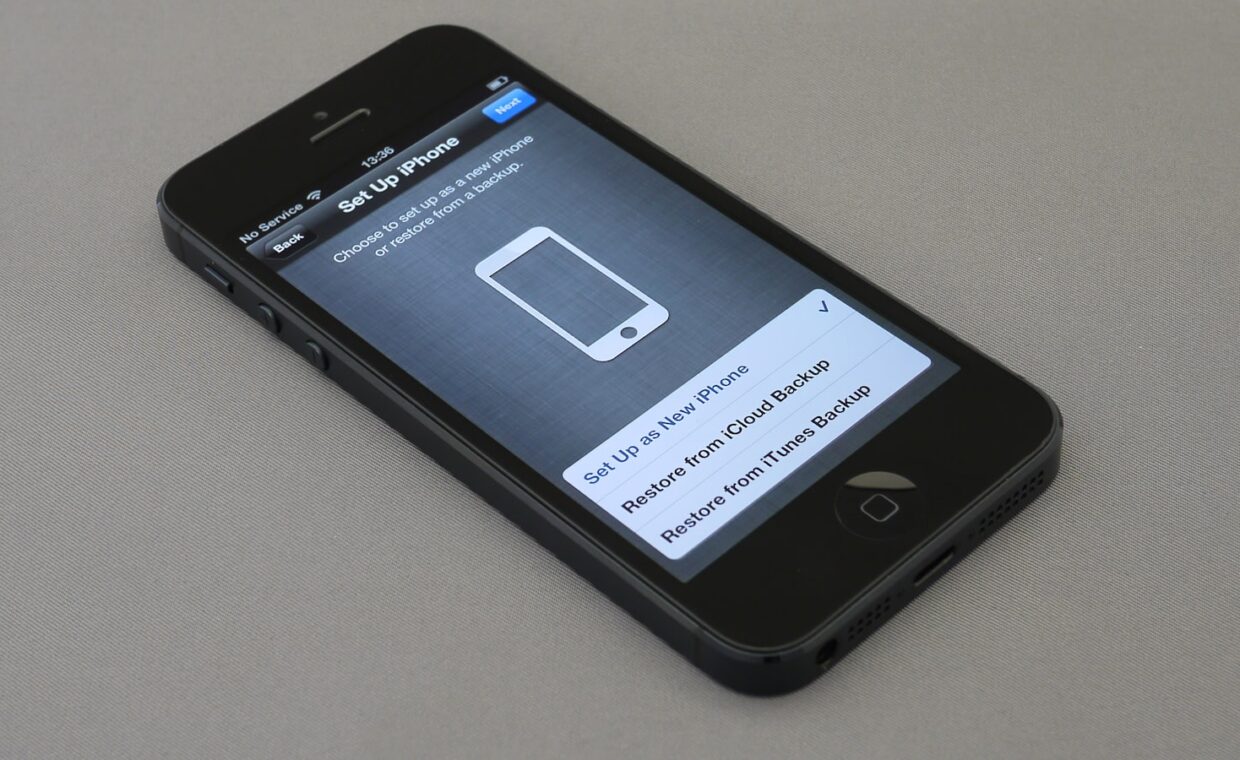
The most common cause is also the most misunderstood. After a major update, a phone spends time in the background rebuilding indexes, re-optimising apps, and processing data, work that can take hours or even a day or two and makes the phone feel sluggish and warm during that period. This is temporary, and it resolves on its own once the background work finishes. Many people judge an update in the first hour, when the phone is busiest, and conclude it ruined performance, when waiting a day would have shown it settling back to normal or better.
The lesson is to give a phone time after a major update before judging it. If it still feels slow after a couple of days of normal use, then something more than the initial settling is at work, and the other causes below become worth investigating.
New features on old hardware
A new version of a phone’s software sometimes adds features and visual effects designed for newer, faster hardware, and running them on an older phone can genuinely feel slower because the older chip works harder to produce them. This is not sabotage; it is the same software asking more of less capable hardware, the same dynamic that affects computers as the explainer on how software demands grow against fixed hardware describes. Where the phone allows it, reducing animations and visual effects in the settings can claw back some of the responsiveness on an older device.
The battery connection, and the real controversy
There is one genuine case where phones slow themselves deliberately, and understanding it correctly matters. As a battery ages and weakens, it can struggle to deliver the bursts of power a fast processor demands, which on some phones can cause unexpected shutdowns. To prevent this, some phones reduce peak performance on a phone with a significantly degraded battery, trading speed for stability. This is real, but it is triggered by battery wear rather than by the update itself, and it is a protective measure, not a ploy. Crucially, replacing the worn battery removes the throttling and restores performance, which points to the fix, covered in our look at how phone batteries age and when to replace them.
| Cause | Temporary? | Fix |
|---|---|---|
| Post-update background work | Yes | Wait a day or two |
| New features on old hardware | No | Reduce animations and effects |
| Storage nearly full | No | Free up space |
| Battery-triggered throttling | No | Replace the worn battery |
Storage pressure after an update
Updates take space, and an update on a phone already low on storage can tip it into the sluggish behaviour that a nearly full phone always suffers, because the system needs free space to work smoothly. If a phone was already close to full before an update, the update may have pushed it over the edge, and freeing up space restores responsiveness. This is the same effect covered in our rundown on why phone storage fills up, and it is worth ruling out before assuming the update itself is to blame.
Distinguishing the causes
To work out which is affecting your phone, start with time: wait a couple of days to let background work finish. If it is still slow, check storage and free up space if it is nearly full. Check the battery health, since a significantly degraded battery can be triggering protective throttling that a replacement would remove. And consider reducing animations if the phone is older and the new software is visually heavier. Working through these in order usually identifies the real cause, and none of them is deliberate sabotage, though the myth persists because the timing, slowdown right after an update, makes it feel intentional. Backing up before any major update remains wise regardless, as the guide on what a phone backup saves covers, and the decision of whether to update an old phone at all is worth weighing, as the piece on how phone features change across versions touches on.
Why the myth is so persistent
The belief that manufacturers deliberately slow old phones survives partly because of the timing and partly because of one real, widely-reported case where a manufacturer was found to be throttling phones with degraded batteries without clearly telling owners. That episode was genuine, but it was about battery protection rather than forcing upgrades, and the lack of transparency, not the throttling itself, was the real fault. Because it involved a real company doing real throttling, it lent lasting credibility to the broader conspiracy, even though the mechanism was protective and reversible with a battery replacement.
The more ordinary truth is that phones, like all computers, run software that grows more demanding while their hardware stays fixed, and that batteries wear out. Both make an old phone feel slower over time, and an update is simply the visible moment when new, heavier software arrives. Blaming the update is understandable, but it confuses the trigger with the cause. The cause is the gradual mismatch between advancing software and ageing hardware, which affects every device and is nobody’s deliberate strategy.
Frequently asked questions
Do manufacturers slow down old phones?
Not to force upgrades. The one real case of deliberate slowing is protective: some phones reduce peak performance when the battery has degraded enough to risk unexpected shutdowns, and replacing the battery removes it. Most post-update slowdowns are temporary background work, heavier features on older hardware, or storage pressure, none of which is sabotage, though the timing makes it feel that way.
Should I skip an OS update on an old phone?
Generally no, because updates include security patches that keep the phone safe, which matters more than a small performance change. If an update is known to run heavily on your specific older model, waiting a short while for any follow-up fixes is reasonable, but skipping security updates entirely leaves the phone exposed. Weigh a minor slowdown against staying protected, and the protection usually wins.
Why is my phone slow after updating?
Most likely temporary background work that resolves in a day or two, so wait before judging. If it persists, check whether storage is nearly full, whether the battery has degraded enough to trigger protective throttling, and whether new visual features are taxing older hardware. Working through those identifies the cause, which is rarely the update itself and never deliberate sabotage.